View and manage short notes with quick writing, updating, and deletion. Display notes in widgets on home screens. Adjust size in widgets with premium access. Sync notes across devices using iCloud.
Track daily habits a simple interface. Add custom habits and set reminders. Mark completion for each day. View progress over time clear visual indicators. Sync across devices for consistent tracking.
Keep cute cats on the HomeScreen with customizable widgets in three sizes. Feed and water cats, clean litter boxes, bathe them when dirty, and play with them. Add interactive cat care actions to the home screen.
Customize home screens with icons, backgrounds, and widgets. Access over 800 unique icons from themed packs like Christmas, Neon, and Retro. Receive weekly updates and enjoy ad-free design.
Add photos to by inserting images from the photo library or taking new ones. Backup securely and easily. Organize without account registration or monthly fees. Edit and view in a clean, high-performance interface.
Manage schedules and timetables with support for multiple calendars. Color-code classes for easy identification. Track to-dos, assignments, and exams with deadline reminders. Calculate attendance rates and record attendance entries.
Customize Home screen and Today view with widgets for specific purposes. Add counters for events or items. Increment, decrement, or reset values via dedicated buttons. Assign custom names to each counter. Display real-time data from the device.
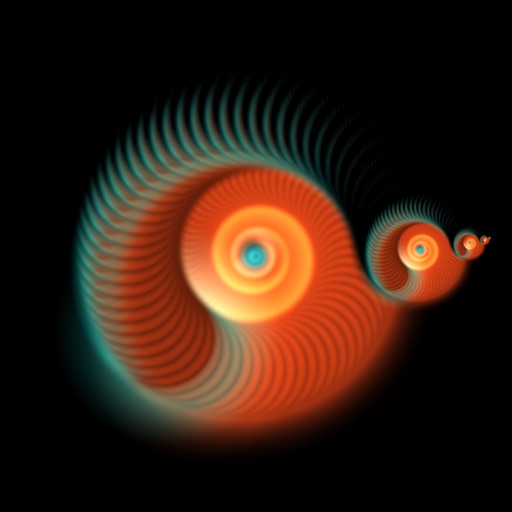
Create and view dynamic fractal patterns that evolve over time. Tap the screen to generate ripples that affect the pattern. Adjust colors and settings to customize the visual experience.
Allows users to manage and organize images with unlimited widgets on the in various sizes. Set photo update intervals for each . Create and manage unlimited and albums. Perform batch operations for adding, deleting, and sorting .
Access cards directly from the home or lock screen. Review flashcards, take notes, and set reminders without opening other apps. Sync progress across devices and track time spent studying.
Manage schedules with a floating time display and switch between year and month views. Sync events with iCloud and access "Today" quickly. Scroll indefinitely and confirm events crossing the moon. Integrate reminders and view events in year mode.
Create unlimited folders and notes. Customize font style and size. Flip in different directions. Read notes aloud. Count characters and words. Set deadlines and reminders. Use color coding and pin notes for quick access. Add widgets for easy access.
The app helps users focus on adding and completing tasks with a simple interface. It offers features like quick task completion, recurring task automation, and secure data storage with passcode or Face ID protection.