Customize iPhone home screen with photo widgets. Select a photo album, add images, and place widgets on the home screen. Widgets automatically update every 60 seconds. Choose from small, medium, or large sizes.
by Lisfee, Inc.★ 4.615 ratingsUtilitiesFreeData updated 2026-10-07
Create custom photo, date, text art, and countdown widgets for iOS 14. Add unlimited photo widgets freely. Customize home screen with images, text, shapes, or time displays. Share widgets across devices. Edit content and layout.
Check current and forecasts with hyper local data. View 12+ widgets on home and lock screens, including multi-city options. Access hourly and daily forecasts on Apple Watch with 100+ customizable complications. Visualize trends with graphs.
View a world map displaying daylight and nighttime regions. Update every minute. Select date and time to view specific day- distributions. Create animated GIFs showing changes in daylight and nighttime areas over time.
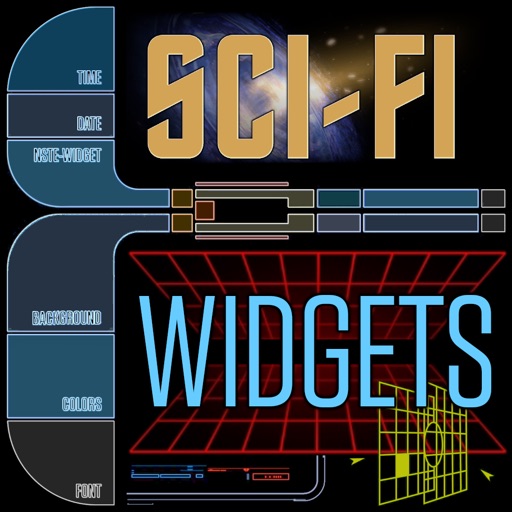
Customize home screen with widgets for displaying information. Add multiple widgets with unique styles and sizes. Adjust layouts, backgrounds, fonts, colors, and images. Use pre-made templates offline or download backgrounds online.
Access 2-factor and multi-factor authentication codes from Apple Watch. Add quick widgets for easy access to authentication codes. Support for 1000+ apps across platforms like Instagram, Google, Facebook, and GitHub.
Manage tasks with infinite checklists and customizable widgets for Home Screen. Sync checklists across devices via iCloud. Toggle items directly from widgets on iOS 17.
The app allows users to add selected photos to widgets, with three display methods available. Photos can be imported, viewed with GIF animation support, and taken directly within the app.
With customizable buttons featuring color selection, goal tracking, and or countdown modes. Set step sizes and create widgets for home screen access. Includes haptic and acoustic feedback with optional in- donations.
Widget King allows users to add dynamic to their home screen. Choose from sporty, racing car, cliff, bridge view, and aesthetic . come in three sizes. Users can customize and arrange on their iOS 14 home screen.
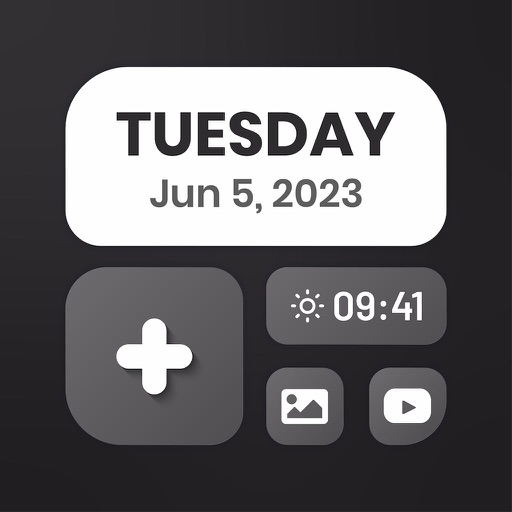
Customize home screen with styles, colors, and layouts. Add, remove, and rearrange . Choose from multiple design options to personalize the interface. Sync widget updates across devices.
Customize lock screen with widgets for useful info. Add word of the day, daily countdown, battery status, custom text, and build custom widgets. Includes additional features for free.
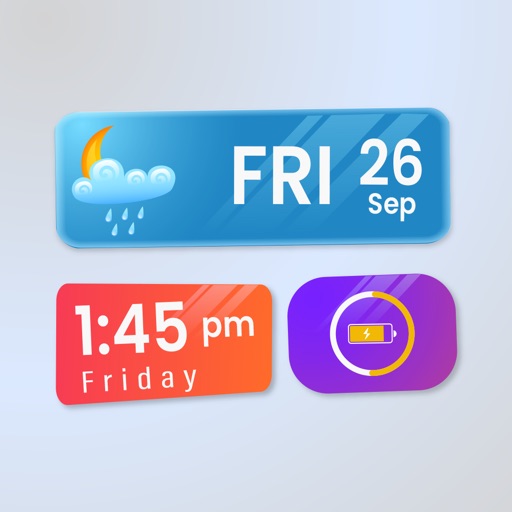
Customize home screen layouts with dynamic widgets. Add digital and analog clocks, calendars, and photo widgets. Choose from multiple design options and personalize layouts to suit individual preferences.
Customize home screen with now-playing widgets for Apple and Spotify. Display current track, artist, and album art. Tap to control playback, skip tracks, or add songs to playlists. Sync with apps for real-time updates.
Display internet and data usage in Notification Center and Lock Screen. View daily usage statistics and billing cycle status through widgets. See live internet and historical usage graphs.
Display birthdays with customizable widgets on home screen and lockscreen. Set age countdowns and receive reminders. Sync across devices using iCloud. Choose from multiple widget styles, themes, and sizes. Support light and dark modes. No ads.
Turn your lock screen into a media hub with for shortcuts, contact lists, and photo displays. Track physical activities and sports achievements. Edit wallpapers with a user-friendly editor. Download exclusive location-based content.
Customize Lock Screen, Home Screen, and Dynamic Island widgets with iOS 26’s Liquid Glass design. Pair with exclusive themes for a cohesive look. Choose from Dark, neon, minimalist, and cute styles.
Convert 12-hour to 24-hour format and vice versa. Set specific times and add multiple zones. Access conversion via Home Screen and Lock Screen widgets.