Allows users to host a Bedrock Edition server and display it as a LAN server on Xbox or PlayStation devices. Enter server IP and port, run the service, then connect via the LAN tab in Minecraft. Supports connection without DNS rerouting.
by Jedrzej Racibor★ 4.557,557 ratingsUtilitiesFreeData updated 2026-10-06
This server app allows up to 32 players to play The Blockheads together in persistent online worlds. Users can create a new world, name it, choose a port, and start the server for local or online connections.
Lets users mirror their screen and cast media to Smart TVs, Chromecast, and Roku devices. It supports casting photos, videos, music, and web content. Users can stream from media servers like Kodi or Plex and import IPTV sources.
View latest speed test results including ping, download, upload, jitter, packet loss, and server details. Run new tests, browse historical data, and monitor home network performance. Track server information and packet loss metrics.
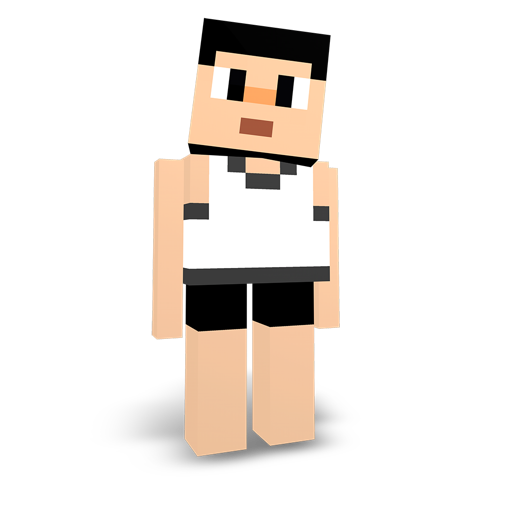
Create and edit Minecraft skins with precision. Import existing skins or design from scratch. Save to device or export directly into Minecraft PE. Design and import capes. Edit and customize maps for Minecraft worlds.
Track boss respawn times with countdowns and server-specific updates. View live server maps and upcoming boss schedules. Set notifications for boss wake-up times. Compare Warmaster jewelry items directly.
View live camera feeds and access recorded footage from servers. Control camera settings and receive alerts. Connect to servers remotely and manage access settings.