Hide and videos in the . Lock access with Touch ID, Face ID, or a custom PIN. Display a splash screen when not in use. Import from or Files and export to . Support for galleries and albums.
Edit photos with effect and features. backgrounds and apply black-and-white conversion. Select areas for contrast. Zoom with two-finger pinching. Adjust brush size, opacity, and offset. Export edited images.
Edit photos by blurring backgrounds, faces, or specific subjects. Apply various effects and filters. Save edited images to the camera roll or share them directly.
Edit videos by adding zoom effects using pinch or drag gestures. Cut or uncut unwanted sections with the scissors tool. Change aspect ratio and videos. Save and share edited videos directly.
Create custom albums with personal images or choose from curated categories like Quotes, Nature, and City. Add photos to build memory albums. Display on home screen using three widget sizes.
Edit photos by removing backgrounds and replacing them with custom colors. Erase unwanted objects with a single touch. Adjust and enhance images for sharing on social media.
Remove backgrounds from photos using automatic eraser with machine learning. Identify and isolate people, animals, vehicles, and objects. Erase single-color backgrounds for chroma key effects. Manually adjust erased areas for precision.
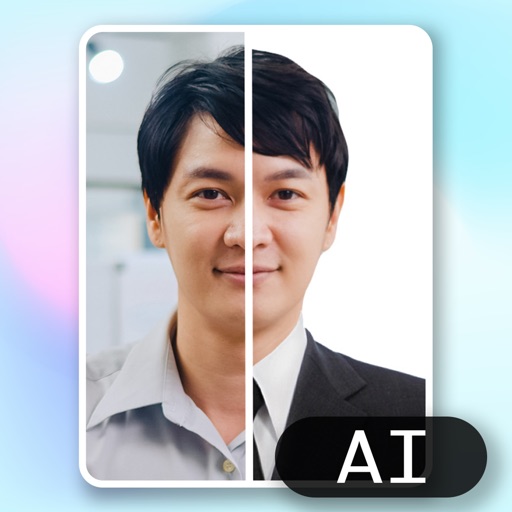
Create ID photos using AI to remove backgrounds and add formal clothing. Edit images directly on your phone simple tools. Save and share the final result.
Edit photos with AI filters, text overlays, and background removal. Generate images from text descriptions. Create future baby visuals by uploading photos. Apply AI filter packs for artistic effects. Save and share edited photos directly.
Create 3d art effects for photos. Set and share 100+ HD wallpapers. Apply 100+ holiday frames to photos and share. Add festive stories to photos and share with friends.
Edit with filters, stickers, and emojis. Create photomontages with built-in effects. Apply artistic tools for detailed edits. Add with customizable fonts and colors. Export and share edited images directly.
Create holiday collages with customizable layouts, -themed grids, and backgrounds featuring Santa, gifts, and snowmen. Add text messages, select photos, and design e-cards with festive frames and decorations. Export and share finished collages.
Guests scan a QR code to capture photos and videos. Edit images with filters and cropping. Share content directly to social media or via email. Save photos in a private gallery. Add captions and tags to memories. Sync photos with -specific albums.
Create twin-style photos by applying mirrored filters and effects to selfies. Swap faces in images and videos. Share edited photos directly to social media platforms. Add captions and stickers for humor.
Add timestamps and locations to photos. Choose from templates to create diet or exercise notes. Customize layouts by tapping stamps. Save to roll or share with friends.