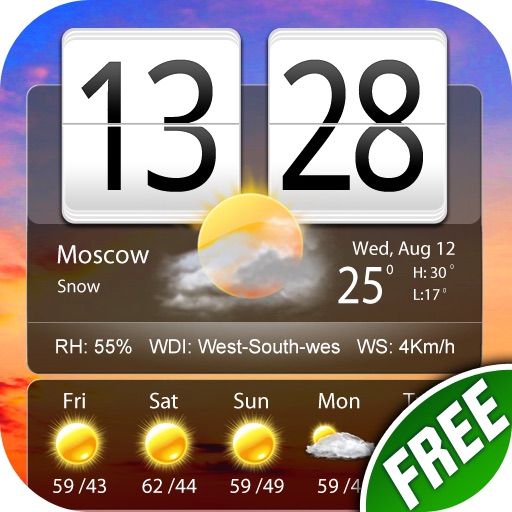
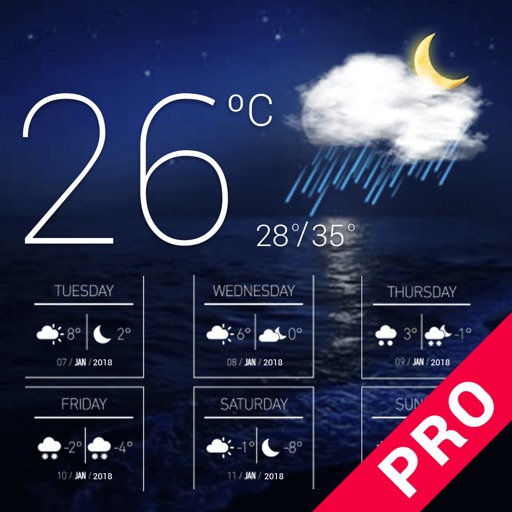
Display current weather with temperature, wind speed, humidity, and real-time icon. Show date and city name. Customize font and theme. Add to home screen without additional steps.
by Pictarine Inc.★ 3.58 ratingsUtilitiesFreeData updated 2026-10-05
The app provides current weather conditions and 4-day forecasts for millions of cities. It displays temperature, wind, humidity, and precipitation details.
Perform calculations directly from the home screen or control center. Use an interactive to add, subtract, multiply, and divide. Access basic and advanced functions without opening a separate .
Display real-time , minute-level precipitation, and 24-hour forecasts. Access 5-day data. Use accurate location tracking for street-level precision. Customize themes with personal photos or select high-quality options.
Take high-quality photos (48MP) and record live photos and videos. Use ultra-wide, wide, and telephoto lenses. Access the from the lock screen widget. Adjust focus and exposure manually. Sync with Apple Watch. Share photos directly without ads.
The app provides weather reports for over 5 million cities, including a four-day forecast. It displays current weather conditions with dynamic backgrounds and includes a world clock with voice alerts.
Provide 24-hour forecasts and up to 15-day predictions. Include 2-hour rainfall data. Offer voice-based updates. Add desktop widgets for quick access. Enable rain reminders and team tracking.
Scan QR codes using the camera or import from screenshots. Add small or large widgets to home or lock screens. Present codes without opening any . Store QR data securely on the device.
Add color widgets to your home screen with designs. Choose from hundreds of pre-made options or create your own. Edit colors, themes, backgrounds, and add personal photos. Apply changes instantly for a personalized look.
Check current and forecasted for any city or country. View temperature, precipitation, humidity, and wind direction. Update in real time. Track daily, tomorrow, and 5-day forecasts.
Create customizable counters to set and track goals. Assign unique colors to each counter for easy identification. View detailed statistics and charts to analyze progress over time. Add a widget to monitor counters from the home screen.
Decorate home screen with photos using . Choose from small, medium, and large sizes. Add up to 50 photos per widget. Set slide durations for each . Place multiple on the home screen.