Sync photos and videos to a digital photo frame via phone. Bind frames using invitation code or QR code. Send and manage media on connected frames. Send greeting cards or pop-up messages to frames. Connect multiple frames with one account.
by Zeasn Info Technology Co., Ltd.★ 4.810,643 ratingsPhoto & VideoFreeData updated 2026-09-06
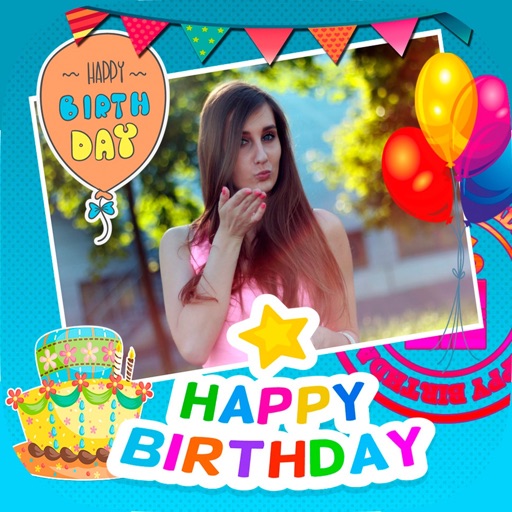
Create greeting cards by adding photos to frames. Select images from the gallery or take new photos. Choose from various frames and adjust photos with zoom and rotation. Share cards with friends and family.
Send photos and videos to connected WiFi digital photo frames from anywhere. View and manage shared albums. Receive notifications when photos are viewed. Control frame settings and update content remotely.
Create by adding photos or to customizable frames. Adjust images with zoom, rotation, and movement. Choose background music or mute the video. Share finished with friends and family.
Edit photos with filters, select and apply Independence Day , add text with customizable font style and size. Share edited photos via social links. Set color options and arrange images in sets.
Add and manage email contacts for -Star Wi-Fi frames. Send photos, videos, and audio messages to saved frames from any device. Share content instantly with a single tap.
Send photos and videos to a Wi-Fi Cloud Frame for display. Add captions and comments to photos. Share up to 15 seconds of video. Invite friends to contribute content. Control the frame remotely via the .
Create personalized greetings with frames, cake designs, stickers, and fonts. Add photos to cakes or customize names. Edit and share messages with text and decorative elements.
Create by selecting from various and adding photos from the gallery or camera. Adjust photos with zoom, rotate, and move gestures. Save and share customized greeting through social networks.
Create and share short videos as animated GIFs or MP4. Capture frames with the or import photos, videos, or live photos. Apply real-time color filters, add text or frames, and record stop motion.
Extract high-quality still images from videos or Live Photos. Select and edit frames with built-in tools. View and edited photos directly. Play videos from local storage or iCloud. Scrub through footage for precise frame capture.
Compress videos to storage . Adjust compression ratio or customize resolution, bitrate, and frame rate. Batch compress multiple videos. Split videos into shorter clips. Trim, crop, and compress photos. Clean up album videos to free up .
Create GIFs by capturing frame-by-frame photos. Use ghost layering to align frames. Adjust playback speed. Edit frames, add text, and save GIFs to photo library or as MP4 videos. Share via email or MMS. Export to 5SecondsApp for further editing.
Create and share short videos as animated GIFs or MP4. Capture frames with the or import photos, videos, or Live Photos. Apply real-time color filters, add text or frames, and choose stop motion or video mode.
Create videos using personal photos and . Select images from the Photo Library, apply transition animations and set frame durations. Save videos to the Photo Library or share them directly.
Create greeting cards by selecting from the gallery or taking new ones. Choose from various and adjust with zoom, rotate, and move features. Send customized cards to friends and family.
Edit photos by selecting frames in square or portrait format. Reposition, resize, and crop images within the . Customize appearance and apply filters. Preview final edits and save to photo library.