Apps Like Auto Background Changer for iPhone and iPad
Remove from photos
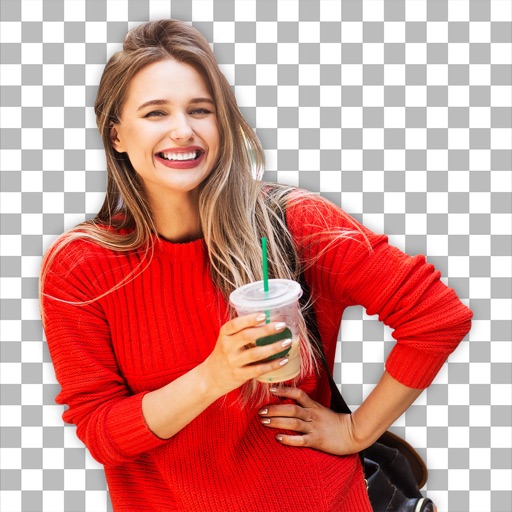
Remove photo backgrounds using intelligent erasing tools. Select and eliminate specific colors or objects. Make backgrounds transparent for use in collages or stamps. Export edited images for further editing or sharing.
by Hitesh Polara★ 4.3273 ratingsPhoto & VideoFreeData updated 2026-10-05
Remove from photos by selecting areas to erase or using color selection. Add custom backgrounds. Undo or reset edits. Import photos from phone or take new shots with the built-in camera.
Create photomontages by combining elements from multiple images. Select and move objects between photos. Add text and effects. Export and share final compositions.
Edit photos with cropping, resizing, and removal tools. Apply filters, adjust colors, and add text overlays. Export images in various formats and share directly to social media or online stores.
Crop photos using a cropping tool. backgrounds and unwanted objects with an eraser tool. Select areas to erase and create transparent backgrounds. Edit images for white or clean backgrounds. Export edited photos and create stickers.
Edit photos with AI muscle enhancement, reshaping, and face retouching. Add beards and hairstyles. Remove backgrounds. Reconfigure faces with AI reface. Adjust muscles, arms, and chest. Export edited images.
Edit photos and videos with face retouch, skin smoothing, and reshaping tools. Apply filters and use AI-powered features like hairstyle adjustment and object removal. Enhance image quality and correct camera distortion. Share edited content directly.
Edit photos by removing objects and changing backgrounds. elements to create montages. Adjust transparency and replace backgrounds. Save and share edited images directly.
Backgrounds from images using a variety of tools. Select and erase unwanted areas with precision. Save as transparent PNG or replace with a new . Edit and refine edges for clean results. Export edited images in multiple formats.
Edit photos with AI-powered background removal and replacement. Choose transparent, white, or custom scene backgrounds. Generate realistic shadows and adjust lighting. Export in high-quality formats and share directly.
Objects, people, blemishes, and acne from photos using AI-powered background removal. Edit images to replace or erase unwanted elements. Export edited photos in various formats.
Edit photos with AI-powered tools for object removal, people elimination, blemish correction, and background editing. Adjust colors, brightness, and contrast. Add text and filters. Export and share edited images directly.
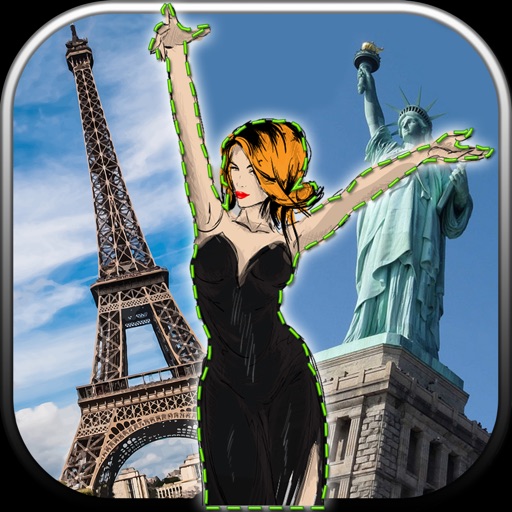
Edit photos by removing unwanted backgrounds and replacing them with scenic images. Cut out subjects and paste them onto new backgrounds. images for seamless montages. Share edited photos directly.