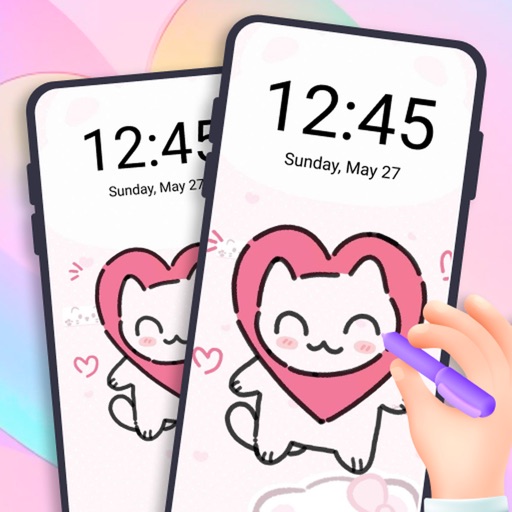
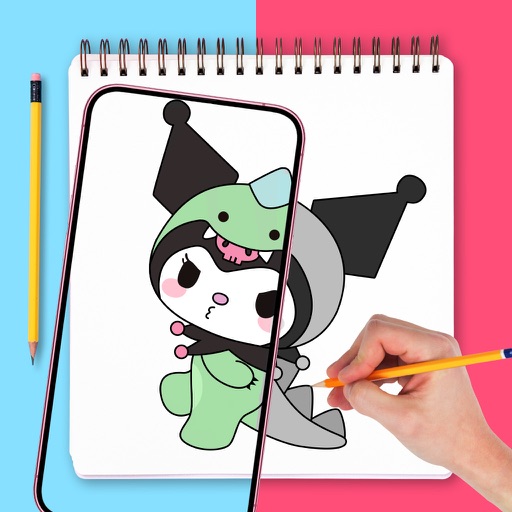
Add custom drawings to the home screen. Edit and resize images. Choose from various tools and colors. Save and rearrange icons. Share drawings via email or social media.
by Adam frankel★ 4.52 ratingsGraphics & DesignFreeData updated 2026-10-05
"Create art by selecting colors and filling in picture sections. Complete pre-designed images or customize drawings. Save and share creations. Access a library of themed illustrations for endless sessions."
Create and edit drawings with simple painting and tools. Add photos, stamps, and stickers to artwork. Save drawings digitally and create custom stickers from drawings. Share completed artwork directly.
Customize lock screens, icons, charging animations, and widgets. Choose and personalize watch faces. Adjust settings to reflect personal style and enhance device appearance.
Edit photos and videos with filters, cropping, and background erasing. Create collages by combining multiple images and videos. Add text, stickers, drawings, and textures. Save edited content and plan social media posts.
Create and refine artwork using AI-powered tools and AR integration. Access 550+ lessons with character-based tutorials. Collaborate with others in real-time. Track progress and receive feedback. Export drawings in various formats.
Create a minimalist home screen with . Choose from curated icon packs and wallpapers. Import personal photos to customize the background. Apply themes for a liquid, aesthetic look.
Customize lock screen with , themes, and wallpapers. Add GIF animations and icons. Choose from 2000+ icons, 500+ , 80+ fonts, and 200+ themes. Sync with iOS 17 for updated features.
Create invitations and cards with customizable templates. Add text, images, and graphics. Choose from various layouts and themes. Adjust colors and fonts. Export and share invitations via email or social media.
And write to help characters feel . Create drawings and write messages to resolve their issues. Receive hints to guide your choices. Complete levels by solving emotional scenarios through creative input.
Solve interactive with sound effects and animated backgrounds. Color drawings and paint figures. Access 20 in full version or 6 in free version. Simple interface for children.
Play an endless 2D runner featuring a character named . Jump over cactus obstacles by tapping the screen. Unlock new scenarios and characters. Track progress through various levels and challenges.
Customize lock screen, home screen, and control center with wallpapers, widgets, and themes. Choose from various styles and layouts. Edit images, add text, and apply filters. Sync themes across devices. Share custom designs with others.
Create and share games using a simple yet powerful editor. Explore community-generated games, animations, and drawings. Comment, follow creators, compete for scores, and collect achievements. Access templates or remix existing games.
Create videos with drawing tools and edit existing movies. Add text, stickers, and effects. Export in various formats and share directly. Track editing progress and access advanced trimming features.
Customize iPhone home screen with , wallpapers, and themes. Choose from minimal, vintage, artistic, or seasonal designs. Apply themes to unify and background. Preview and install customizations directly.
Create and color images using a variety of tools and templates. Choose from different color palettes and brushes. Save and share completed artwork. Include interactive to teach colors and shapes.
Use augmented reality to draw on any surface. Trace outlines, adjust colors, and add textures. Save and share drawings. Access tutorials for beginners. Export in various formats.
Customize , Lock Screen, and Home Screen with unique . Add Themes and Widgets for enhanced visual appeal. Choose from trending designs to personalize iPhone appearance.