Apps Like Custom Widgets for iOS 14 for iPhone and iPad
Customize for iOS 14 home screen
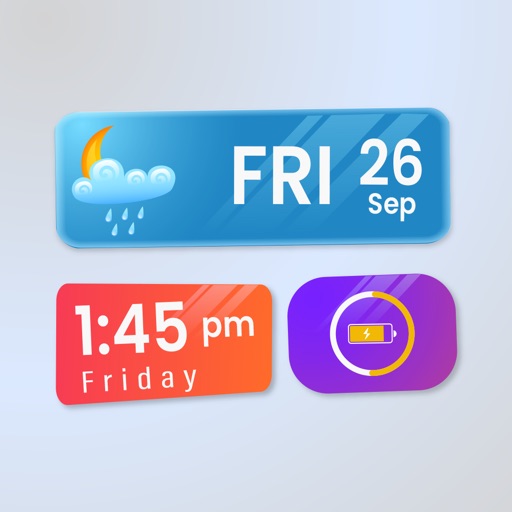
Widget King allows users to add dynamic to their home screen. Choose from sporty, racing car, cliff, bridge view, and aesthetic . come in three sizes. Users can customize and arrange on their iOS 14 home screen.
by PENTALOBE LLC.★ 4.486 ratingsGraphics & DesignFreeData updated 2026-10-05
Add unlimited to Home Screen and Lock Screen. Edit notes directly on . Customize appearance and set interactive elements. View notes instantly upon picking up the phone. Supports transparent and standby widget styles.
Track important dates with countdowns in seconds, minutes, hours, , weeks, months, years, or sleeps. Add unlimited events and customize with photos, icons, and time formats. Import events from calendars and set custom alerts. Sync across devices.
Display a digital on the home screen, lock screen, and dynamic island with real-time updates every second. Show seconds and offer multiple theme styles. Include hourly chimes with real human voice announcements.
Access contacts and initiate calls or messages directly from the lock screen or home screen. Customize widgets to open URLs or run shortcuts. Enable call without confirmation in settings. Supports FaceTime, email, messaging apps, and more.
Customize with widgets for social media counters, contact info, and launcher options. Add favorite contacts and follower counts. Learn to set and adjust settings. New widgets are added monthly.
Manage plain text with iCloud sync and support. Create and organize links. Integrate with Shortcuts. Access additional fonts, colors, and icons with a one-time purchase. Sync across iPhone, iPad, Apple Watch, and Mac.
Create custom for iOS 14 home screen. Choose from multiple layout styles. Customize fonts, colors, and background images. Set up in three simple steps. Add directly to home screen.
Save notes to by tagging them quickly. Add Lock Screen widget for faster -taking. Use official authorization for secure data transmission. Sync offline notes when connected.
Manage tasks with two lists: "Sooner" for urgent items and "Later" for non-time-sensitive tasks. Move items between lists manually. No due dates, reminders, or push notifications. Customize interface with gestures, haptic feedback, and accent colors.
Display Hijri and Gregorian dates, prayer times, and sunrise/sunset times. Show moon phases and events. Set adhan notifications and qibla direction. Add events to the . Change themes and sizes. Lock screen widgets.
Track important dates with countdowns and calendar widgets. Set reminders for events and view progress toward upcoming occasions. Customize icons for each and receive notifications. Sync with lock screen and home screen widgets.