Create and manage notes on home screen and lock screen. Add multiple notes in various widget sizes. Edit notes quickly with text, color, and formatting options. Pin notes to lock screen for visibility.
by 1881 Digital, LLC★ 4.629,589 ratingsUtilitiesFreeData updated 2026-10-05
View upcoming events with a week widget showing 3 to 7 days and a day widget for today or tomorrow. Scroll through multiple widget pages on the home screen. Customize widget colors, backgrounds, and event styles.
Use to replace negative thoughts and foster positive feelings. Set daily to repeat . Track progress over time. Customize for specific goals like happiness, health, or stress relief. Share with others.
Configure timers with customizable duration and set counts. Add timers to Home Screen as widgets for quick access. Edit themes or choose from a gallery to match your device's look. Manage multiple timers simultaneously without limits.
Manage tasks with two lists: "Sooner" for urgent items and "Later" for non-time-sensitive tasks. Move items between lists manually. No due dates, reminders, or push notifications. Customize interface with gestures, haptic feedback, and accent colors.
View countdowns for , holidays, and dates. Add, modify, or delete countdowns. Track past countdowns with days elapsed. Choose custom photos from the library or Flickr. Add countdowns to Siri for quick access.
A sticky note lets users add notes to the home screen. Customize with background , , and text. Choose from background templates. Tap the to view or edit notes. Suitable for shopping lists, reminders, and personal ideas.
Count down to events with customizable timers for years to seconds. Track progress in real time with redesigned views. Share with others for collaborative updates. Attach website links with rich previews to events.
Track time until events with customizable countdowns. Set reminders for important dates. Sync across devices using iCloud. Add widgets to home screens. Monitor sobriety milestones and retirement timelines. View days, hours, and minutes remaining.
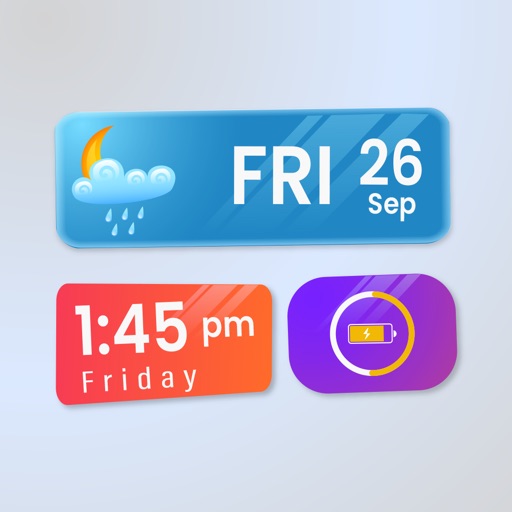
Create custom widgets by combining elements, selecting fonts, and adjusting colors. Set transparency for each component. Access weather forecasts and customize appearance settings. Save and share designs for iPhone Home Screen.
Create and organize notes with customizable text, colors, and reminders. Add voice memos and attach images or files. Share notes via email or messaging apps. Set recurring reminders and synchronize across devices.
Widget King allows users to add dynamic to their home screen. Choose from sporty, racing car, cliff, bridge view, and aesthetic . come in three sizes. Users can customize and arrange on their iOS 14 home screen.