Users can explore interactive lessons and training sessions in AR or VR. Engage in group or individual learning activities. Create content using mobile devices or headsets. Access a library of pre-built educational resources.
Learn anatomical structures through interactive modes. Choose It mode highlights structures for identification with multiple-choice questions. Touch It mode requires locating and touching specific structures on anatomical images.
Explore atomic structure and behavior through interactive simulations. Manipulate and observe molecular dynamics in real time. Perform computational chemistry calculations and analyze motion patterns.
Access chemical element data including atomic number, symbol, and properties. Select and copy element details. Create molecular formulas by long-pressing symbols. Calculate molecular mass. Link to Wikipedia pages for additional information.
View augmented reality models of and math concepts using a Merge Cube. Navigate topics with buttons. Tap "View in AR" to display models. Position the cube in the camera frame. Move the cube to explore models. Interact with models via buttons.
Create and publish interactive educational posters with social media links. Share posters directly from the . Access teaching licenses for multi-user use. View detailed anatomical diagrams and 3D models.
Explore elements through 3D models and augmented reality. Tap to rotate elements and view their properties. Access detailed information about atomic structure and chemical behavior. Sync with educational resources for in-depth learning.
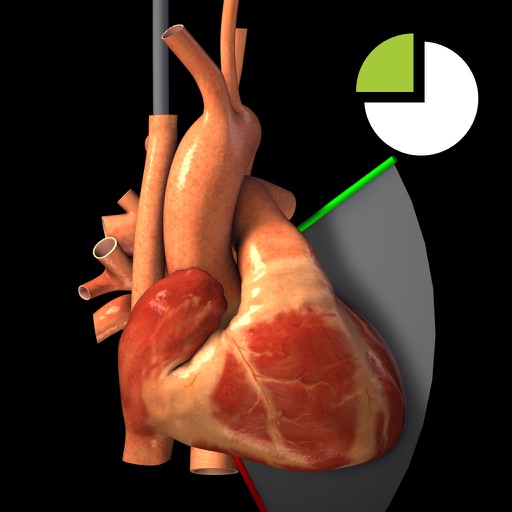
View TEE recordings for 20 diagnostic and corresponding 3D heart models. See TEE probe position and ultrasound plane alignment. Assess cardiac function through interactive visualizations.
Explore cell biology by zooming between whole cells and molecular details. Tap terms for AI-generated explanations tailored to your learning level. View concept chains that link related biological ideas.