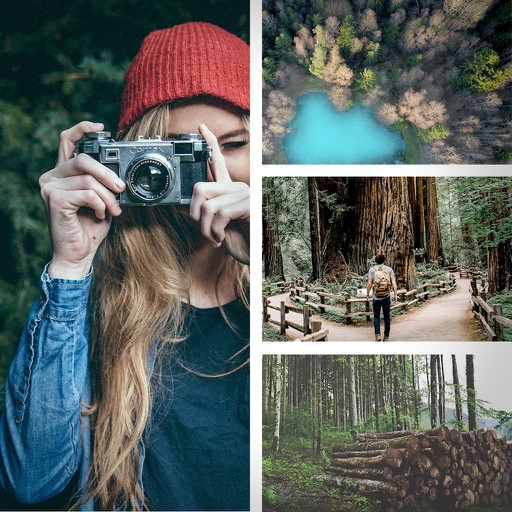
Create collages by combining photos with 100+ templates. Apply filters, add text, and share directly. Edit and arrange images with simple gestures. Save and export in various formats.
Documents to create high-quality PDFs with automatic border detection and perspective correction. Enhance images by removing shadows and sharpening text. Extract text using OCR and export as editable files.
Edit photos with filters, cropping, and adjustment tools. Add text, stickers, and borders. Create collages and share directly. Export in multiple formats. Sync with social media platforms.
Create collages using free layouts and grids. Add stickers, text, and backgrounds. Edit photos with cropping, flipping, and layering. Save and share finished collages or stories. Generate wallpapers from edited images.
Edit photos with filters, cropping, and brightness adjustments. Create collages and custom cards with design tools. Add text, stickers, and backgrounds. Export edited photos in various formats and share directly.
The app allows users to combine multiple photos into one collage with captions. It offers various layouts, fonts, and colors for text, along with photo effects and editing tools like rotation and resizing.
Create typographic designs by selecting a background and typing . The automatically arranges with various fonts and typefaces. Export designs and share them directly.
Crop and rotate images into various shapes. Add text, arrows, and shapes for annotations. Pixelate sections or draw freehand. Share edited photos directly with contacts.
Create collages by combining multiple photos. Add romantic and text. Share collages via social media or messaging. Customize layouts and edit images within the .
Create collages using pre-designed templates and personal photos. Sort images by color to filter matching photos. View and photo library simultaneously for easy arrangement. Add web images directly from the . Export and share finished collages.
Create photo collages using up to 9 images from the photo album. Choose from multiple layouts and sizes. Display collages on the home screen and adjust refresh intervals. Edit selected and view them directly.