IIC Innovative International Consulting GmbH & Co. KG
Save locations with GPS coordinates
Save locations with GPS coordinates, add notes, images, and contact details. Store privately and automatically retrieve web data. Create entries by selecting current location or entering coordinates.
Plan trips by creating itineraries, budgeting costs, and organizing flights and hotel bookings. View destinations on a map and collaborate with others. Export trips to Google Maps with Pro and share guides after the journey.
The app provides mapless navigation using GPS and compass data. It allows users to drop markers, search for destinations by address or placename, and view locations on a map.
Explore parks with detailed audio tours that provide information on history, wildlife, and geology as you drive. View upcoming points of interest, distances to restrooms, gas stations, and food locations.
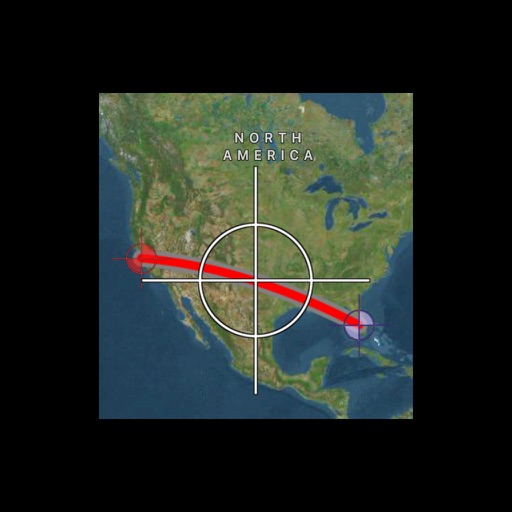
The app calculates distances and bearings between two points using latitude and longitude. It can also determine a final position from a starting point, distance, and bearing.
Track real-time bus locations to plan your route. View schedules and route maps for current city. Switch between 20+ cities without additional downloads. Access interactive city guides and attraction information.
The app helps users find and filter places and services, with or without an internet connection. It offers extensive filters and thousands of unique points for outdoor adventures.
Calculate areas between map pins. Create and move pins to adjust the . Locate yourself and add pins with one click. Search for places. Save and load data. Choose between standard, satellite, and hybrid map views.
Track position, height, and acceleration with accuracy in feet, meters, miles, or kilometers. Log maximum altitude and speed. Display and save current or waypoints on a map. Choose coordinate formats for viewing.
Plan trips by placing pins on a global map and creating itineraries with detailed location information. Set route details and view sample files like Route 66. Edit trips and view routes through a free demo that doesn’t allow saving changes.
The app provides auto navigation for the current location and allows users to create routes on Google Maps. It includes the latest street view, traffic data, and four map types.