Create and edit drawings with a simple, intuitive interface. Save artwork to the photo album and share it with others. Draw freely without needing specialized instructions.
Books allow users to select fruit and doodles for customization. Choose colors from menus and apply different color styles. Adjust pencil size for better control and use an eraser tool for corrections.
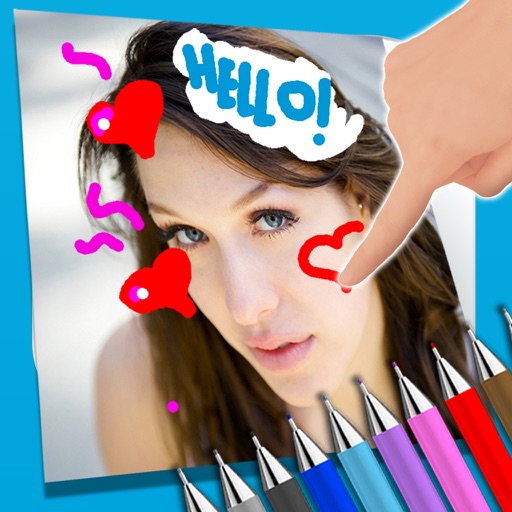
The app allows users to write notes and draw on images using a photo and text editor. Users can select from three pencil types and various colors, change backgrounds, and add captions to photos.
Create digital artwork using drawing tools, brushes, and layers. Adjust colors, opacity, and stroke settings. Save and export drawings in various formats. Access built-in help files for guidance.
The app offers a drawing software for children ages 3 to 12 with an attractive user interface and sound effects. It provides various brush tools and paper options for creative results, along with a library of scenes and items.