The app offers intuitive flick kicking with control over angle and curve. It features realistic rugby pitches with shifting wind conditions and multiple game modes including Sudden Death, Arcade, Time Attack, and Practice.
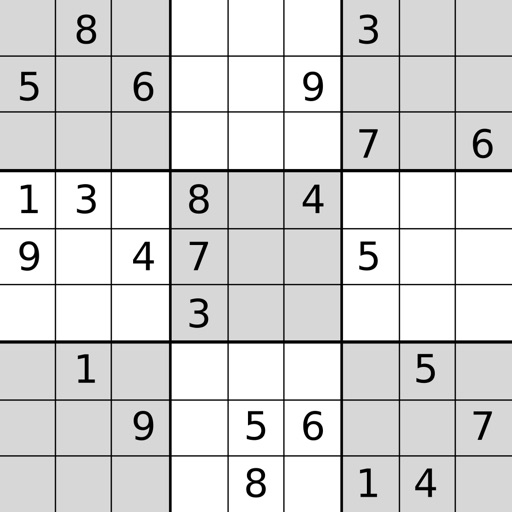
Play puzzles with high-quality graphics. Use dual keypads for entries and notes. Enable smart notes for automatic note entry and updates. Track progress and solve puzzles on iPad.
Solve problems by inputting two angles and one side. Calculate missing angles and sides. Handle cases with two sides and one angle or three sides. Provide step-by-step solutions and formulas.
Play with four difficulty levels and tutorial guidance. Solve puzzles using notes, undo/redo, and auto-note features. Color squares with two colors for advanced strategies. Check for errors manually or automatically.
Sort yarns into knitted patterns to solve puzzles. Rotate and zoom the 3D scene for better angles. Tap to pull yarns and complete levels. Track progress through handcrafted challenges.
Helps students learn fractions, decimals, and percents by ordering equivalent values on a . Features include multiple levels, visual representations, and interactive exercises to reinforce concepts.
Solve right-angled triangles by inputting known sides or angles. View step-by-step calculations and a scale drawing of the triangle. Access basic trigonometric formulae. Enter angles in radians, decimal degrees, or degrees, minutes, seconds.
Simulate in a 3D simulator. View the car's position from an external 3D angle. Adjust the camera angle via a button. Use a steering wheel, pedals, and gear shifts to control the vehicle. Complete levels within time limits.
Play a -style game by aiming and shooting to break bricks. Adjust angles for accuracy. Collect special with unique effects. Eliminate threats to increase score. Track progress through endless levels and challenges.
Perform aeronautical calculations including wind correction, fuel planning, and time-speed-distance. Input data to compute required values. Access multiple calculation modes and reference charts. Save and review calculation history.
The app provides an interactive unit circle to explore relations between angles and trigonometric ratios. It includes an exact trigonometric ratios table and a handbook of trigonometric formulas.
Create 3D models by stacking in a virtual world. Paint with an easy-to-use color palette. Rotate models using a 360-degree camera and zoom in or out for detailed views. Destroy models with tools like TNT, ray guns, and dynamite.