Edit photos with filters, cropping, and AI enhancements. Adjust colors and brightness. Add text, stickers, and overlays. Create collages and cards. Edit videos with trimming, transitions, and effects. logos, flyers, and social media content.
The app offers a collection of stickers for various occasions including birthdays, text, and decorative elements. Users can resize, rotate, save, and share images through social media or email.
Edit photos by selecting images from the camera. Customize backgrounds with soft blur effects. Share directly to Instagram or other apps. Save to the camera roll for permanent storage.
Create videos by combining photos, music, and audio. Add transitions and effects. Share videos directly to social media. Save generated videos in a personal library. Use simple interfaces and guided tutorials.
Create videos by adding music, selecting audio tracks, and combining photos with sound. Use pre-designed templates, video effects, transitions, and text overlays. Edit videos and customize transitions for special occasions.
The app offers tools to transform camera photos into formal or cartoon images. It includes features for resizing, enhancing colors, adding text, applying pencil sketch and cartoon filters, and improving image quality.
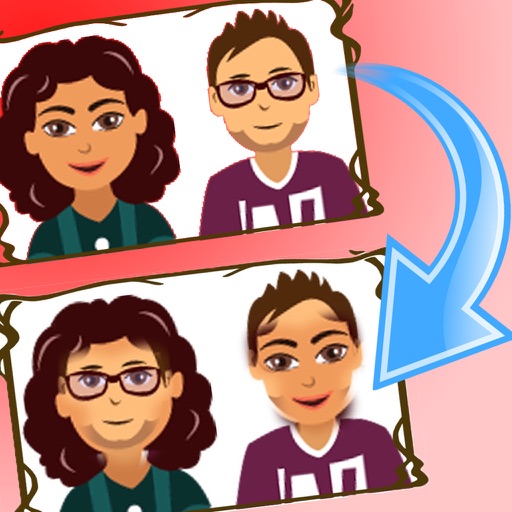
Swap faces in photos with a single tap to replace faces in images. Edit up to 12 faces in one photo. Share modified images directly to social media platforms like Facebook and Twitter. Features include intuitive interface and quick editing tools.
Edit photos to create formats without cropping. Add blurred backgrounds to full-size images. Resize, rotate, and adjust photos. Save in high quality and share directly.
The app allows users to create HD videos and photo collages with music, AI effects, and voice-overs. It supports up to 12 frame collages, 30-minute videos, and 4K resolution sharing.