Apply creative filters to layers including blend, mask, pointillize, frame, distort, and more. Stack and save filter templates. Add motion with transition and create videos using built-in tools.
Edit photos with crop and rotate tools using templates. Apply LUT to change the mood. Adjust colors with color curves. Add blur in various styles. Use basic tools for contrast, brightness, and vignette.
Create collages with single or multiple photos, up to 14 images. Add , backgrounds, and drawings. Share collages on Facebook, Instagram, Twitter, WhatsApp, and other platforms. Edit photos with basic tools and apply templates.
Edit photos with filters, adjustments, and effects. and focus areas with finger movements. Crop, rotate, and add text or stickers. Adjust tone curves and apply splash effects. Save and share edited photos to social media.
The app merges photos while preserving original resolutions and image quality. Users can freely position, crop, rotate, and resize images on a large canvas, and add text with custom fonts.
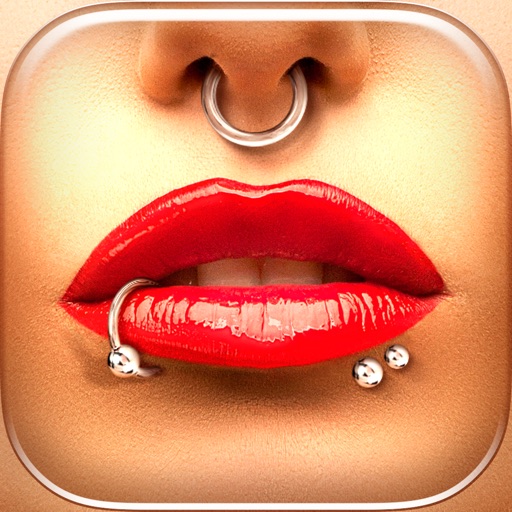
Try different styles with realistic effects. Choose from face, ear, belly, labret, teat, and nose categories. Select from over 300 objects. Adjust placement and size for custom looks. Share edited photos directly.