Display artworks on any wall surface using augmented reality. Scale and reposition artworks with device movement. Share artwork placements and adjust viewing angles for different perspectives.
by KUNSTMATRIX Technologies GmbH★ 3.01 ratingsEntertainmentFreeData updated 2026-10-03
View and compare 3D models in AR within real environments. Share captured scenes for collaboration and customer interaction. Present models via QR codes for easy access. Manage and organize 3D assets within the .
Color by number artworks can be selected and colored following numbered guidelines. Users can freely paint and save their creations. Artworks are available for free and can be explored in a casual drawing environment.
The app presents audio and visual information on artworks from antiquity to the 20th century. It features close-up views of objects and background on artists and the museum.
Create sketches and drawings using built-in brushes and canvases. Trace real-world images with AR technology. Save and share artwork directly. Adjust brush size and opacity for detailed work. Import images to base drawings on.
Explore augmented reality animals in your surroundings. Place and move virtual creatures using AR. Capture photos and videos to share. Listen to sounds and view their realistic details. Resize and rotate animals for interactive exploration.
Edit photos by applying 100+ textures with brush tools. Adjust effects using opacity and blend modes. Retouch with an eraser. Add sparkles and other decorative elements. Save edits or share directly to social media.
Turns iOS device into an art exhibition with over 1300 high-resolution . Set custom backgrounds from top galleries and museums. Choose from curated artwork collections. Apply selected images as home screen and lock screen .
And recolor images from categories like Mandalas, Patterns, and Animals. Select and apply colors to fill in designs. Save completed artwork. Access new images daily without requiring a internet connection.
Use AR to sketch and paint on paper. Select images from the built-in gallery. Position paper on a flat surface for accurate drawing. Draw over projected images with precision. Save and share artwork directly.
Create art by selecting styles and swiping the screen. Customize canvas settings including opacity, size, and layers. Combine tools to explore creative possibilities. Save and share artwork directly.
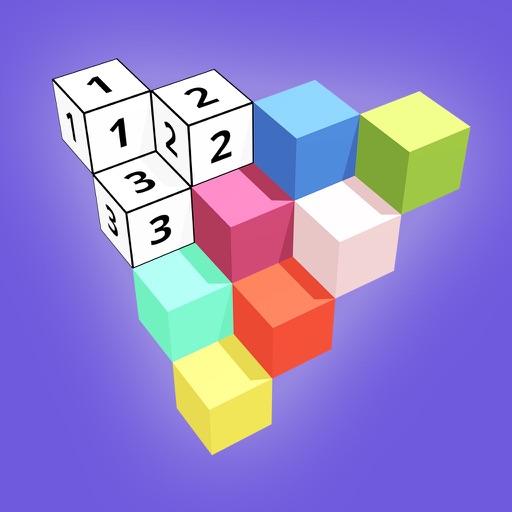
Create 3D models by coloring numbered blocks. Rotate, scale, and zoom to adjust your model. Paint highlighted boxes with selected colors. Save and share completed designs.
Explore augmented reality exhibits to uncover hidden histories of marginalized communities. Navigate interactive stories within a physical location. Learn about silenced struggles for freedom through audio and visual content.
Play in Augmented Reality to blocks and build tall structures. Tap to place blocks and adjust angles. Compete globally for the highest score. Track progress and replay previous builds.