Learn vocabulary through interactive space-themed games and flashcards. Practice words with text, audio, and visual icons. Build vocabulary in categories like numbers and everyday topics. Track progress and review words for reinforcement.
Documents into high-quality PDF or JPEG files. Save scans locally or share via email. Print documents directly or store them in cloud services. Edit scanned pages for clarity and organize files by folder.
Convert notes, PDFs, photos, or lecture slides into interactive and quizzes. Highlight text, generate cards from content, and study using spaced-repetition algorithms. Create and take mock quizzes based on imported material.
Read and annotate PDFs with text highlighting and comment features. Convert documents to editable formats. Scan and digitize paper files, receipts, and notes using AI. Edit text, add signatures, and fill out forms.
The app offers a database of over 1,500 medical prefixes and suffixes. It provides interactive study modes, search functions, and customizable quizzes to aid in mastering medical terminology.
And through hand-drawn practice. Draw characters on screen and type using keyboard. Build muscle memory with interactive exercises that require repeated practice. Focus on real script formation and word recognition through active engagement.
Memorize verses using flashcards with spaced repetition. Play games. Listen to audio verses. Share progress with others. Track learning progress with built-in tools.
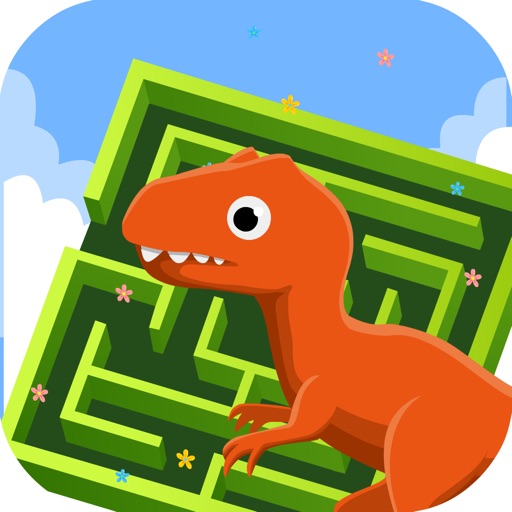
Solve interactive mazes to improve logical thinking and hand-eye coordination. Choose from ocean, dinosaur, or space themes. Track progress and complete challenges to enhance cognitive skills and focus.
Scan documents quickly with high-quality image capture. Extract text using OCR for editing or translation. Export files as PDF, JPEG, or TXT via email, chat, or cloud. Add electronic signatures to forms and contracts.
Record and manage medical dictations by entering patient details, editing audio, and searching by name, MRN, type, or date of service. Submit dictations for professional transcription and access notes via iCloud.
Create and organize for studying. Use Leitner or Spaced Repetition modes to review cards. Track progress and adjust study sessions. Export cards to text files. Share with others.
Documents and create PDFs with one tap. Edit text, add comments, and annotate pages. Convert files to PDF and export in multiple formats. directly via , iPrint, HP Smart, Canon, Epson, Brother, and more. Share documents via email or cloud services.
Solve math problems by snapping photos or typing them. Receive step-by-step explanations to understand solutions. Generate flashcards from answers or create adaptive quizzes for practice. Sync study progress across devices.