Apps Like Moonfall - Freeform collage for iPhone and iPad
Create collages by moving, scaling, and rotating
Create collages by freely moving, scaling, and rotating photos. Arrange images without grids, templates, or filters. Add text and stickers manually. Export and share finished collages directly.
Create animated live photos and moving backgrounds with motion effects. Add animations to static images. Edit videos with transition effects and background motion. Share finished animations directly from the .
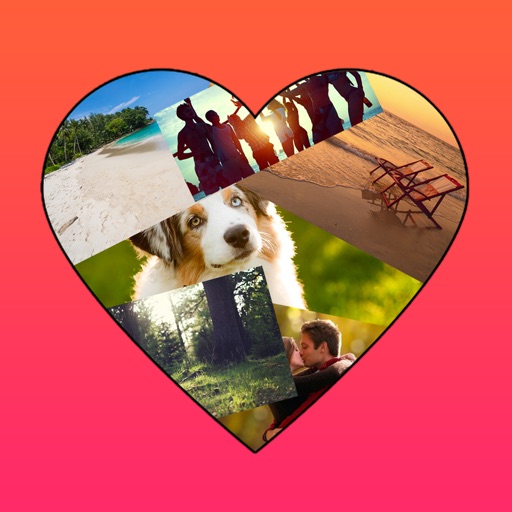
The app allows users to create photo collages in various shapes. Users can select photos and arrange them into designs such as hearts, dogs, cats, and martini glasses.
Create photo collages, scrapbooks, greeting cards, calendars, albums, and posters. Use 180+ templates to arrange images. Add text, stickers, and borders. Share collages directly or export in multiple formats.
Create and customize photo collages with layout designs. Capture photos and videos using a DSLR camera. Share edited content directly or export in multiple formats. Add text, stickers, and filters to images.
The app allows users to create photo collages by editing, resizing, and rotating images. Users can add stickers, text, effects, backgrounds, frames, and borders to their pictures.
Edit photos into customizable grids with layout options, shapes, and frames. Add text and messages. Apply filters and effects. Stitch multiple images into a single composition. Export and share edited collages.
Edit photos with filters, effects, and adjustments. Add text with multiple fonts, colors, and effects. Overlay text or add captions and 3D text. Include stickers, artwork, and frames. Create collages and personalize cards with photos.
Create collages by combining up to 50 photos, including Live Photos, with simple taps. Choose from grid, seamless, waterfall, and Live layouts. Adjust borders, spacing, and ratios for customization. Export and share finished collages directly.
Create collages with single or multiple photos, up to 14 images. Add , backgrounds, and drawings. Share collages on Facebook, Instagram, Twitter, WhatsApp, and other platforms. Edit photos with basic tools and apply templates.
Create face morph videos by blending images of faces. Adjust transitions for smooth effects. Add text and stickers to videos. Export and share final videos directly.
Create art using AI to generate images in various styles. Combine generated artworks into collages. Edit photos with tools for adding text, removing backgrounds, and organizing multiple results. Share edited images directly.
Create collages by adding photos from the library or camera. Choose from multiple frames like heart, round, and star. Adjust photos by moving, pinching, and rotating. Select different backgrounds or use a photo as the background.
Create logos and enhance brand images with customizable templates and design tools. Edit logos with layer adjustments and eraser functions. Add text, stickers, and backgrounds. Save and share designs freely.
Create and edit stories with customizable templates. Add text, stickers, and music. Save highlights with cover images. Share stories directly to Instagram. Organize stories into themed collections.
Create visual stories with built-in editing tools and customizable templates. Adjust brightness and add effects. Insert stickers, emojis, and text. Organize photos into collages.
Edit photos by applying local filters to specific image areas or text. Add multiple graphics and text elements with different filters. Export edited images in various formats and share directly.
Create custom designs using , text, images, and stencils. Add paint splatters, textures, and QR codes. Use style templates and your own photos. Design with unlimited words, phrases, and illustrations. Export and share finished projects.