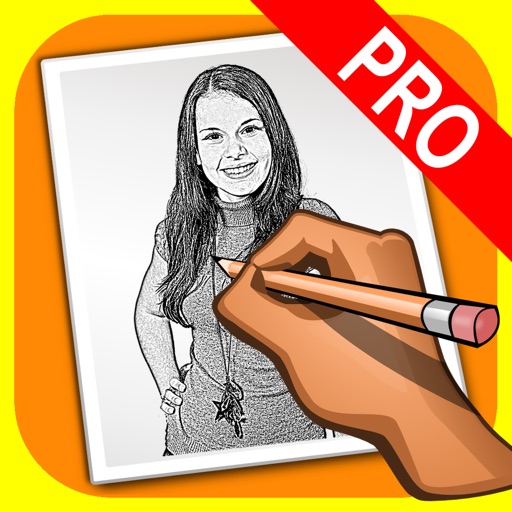
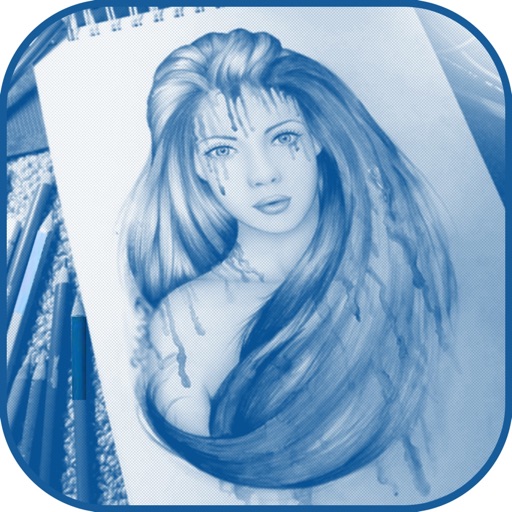
The app transforms user photos into pencil drawings with a sketch shine effect. Users can capture images, apply filters, and share their creations on social media or save them.
Convert photos and videos into paintings or hand-drawn animations using AI. Apply sketching or painting styles with adjustable textures. Save the artwork process as a video. Choose from five standard art tools.
The app generates pencil sketches from photos using the iPhone camera. Users can select images from their gallery or capture new ones to apply various effects like wall paint, comics, and watercolor.
Create and edit digital art with brush tools, layers, and color blending. Import photos and sketches. Adjust brightness, contrast, and saturation. Add text and shapes. Export artwork in various formats and share directly.
Allows users to project sketches onto surfaces using their phone's camera. Users can projected images onto paper, walls, or objects. The enables customization of drawing settings and provides real-time feedback during tracing.
Create pixel art sprites with drawing tools and a powerful engine. Open and edit pixel art files from Files. Use iCloud Drive for cloud storage. Support Apple for precise input. Import and customize color palettes.
Use camera to draw and paint in augmented reality. Access tracing templates for animals, cars, nature, food, anime, and more. Adjust brush size and color. Save and share artwork directly.
The app provides graphic design and drawing tools for creating sophisticated projects. Users can design and collaborate anywhere, using photos, fonts, and shapes to create various graphics and art.