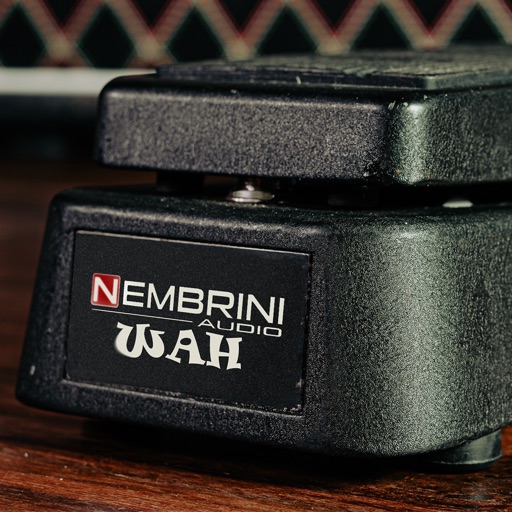
Create unique sounds by shaping notes with your mouth near the speaker. Adjust tone pitch and volume. Access a tutorial for guidance on using the effect.
by Vito Biliti★ 3.221 ratingsMusicFreeData updated 2026-09-06
Create and edit sheet and guitar tabs using touch piano, guitar fretboard, or drum pads. Play back compositions with over 90 instruments. Share directly or export as PDF. Sync with web version for editing on multiple devices.
Tune instruments using a microphone. Detect pitch and display visual feedback. Adjust for different instruments including ukulele, guitar, violin, and flute. Set reference tones and track accuracy. Save and recall custom settings.
Test phone speaker performance by playing a steady tone. Assess sound clarity, resonance, and output consistency. Adjust volume and frequency settings for accurate evaluation. Save test results and compare audio quality across devices.
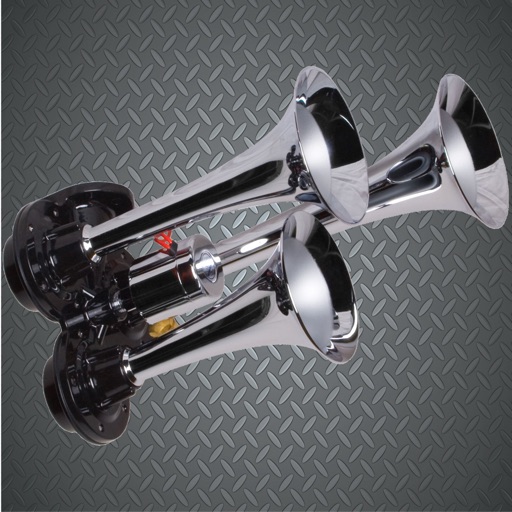
Play high-quality horn and siren sounds by tapping buttons. Select from police , air , boat , truck , fire , car alarms, reggae , and DJ . Connect to external speakers for louder output.
Record and analyze performances to determine . Provide feedback on pitch and tone. Suggest artists with similar ranges. Offer interactive exercises to improve singing technique and control. Track progress over time.
Tune guitars, basses, violins, and other instruments using smartphone microphone. Detect pitch and display frequency. Adjust tuning with visual indicators. Save and share tuning sessions. Sync with -Track Studio for advanced editing.
Stream music from Internet radio or music services. Control playback across multiple rooms. Play the same song in all rooms or different songs in separate rooms. Add speakers to expand sound coverage.
Practice with interactive exercises that improve accuracy, rhythm, and note recognition. Use MIDI instruments, microphone input, or on-screen keyboard for flexible practice. Track progress and refine musical skills through targeted sessions.
Use your device as a live microphone to amplify your voice. Connect via Bluetooth, AirPlay, or cable to any . Tap the screen to activate or deactivate the audio output. Works in the background and when the screen is locked. No setup required.
Adjust audio with customizable amplification presets. Enhance music playback within preferred apps for improved quality. Assess hearing accuracy using headphone-based tests via iPhone speakers.
Play sounds at defined frequencies between 0Hz and 25kHz. Use the noise meter to measure sound levels. Test speakers with quality audio for sound output.
Adjust for louder audio playback. Increase sound output for movies, games, and music. Control levels and enhance sound quality. Works with headphones and external speakers. No additional features provided.
Edit audio files by cutting, splicing, and mixing. Convert formats and change voice tone. Extract audio from videos. Save edited files and create ringtones. Share finished projects directly.