Create videos using selected images from the gallery. Add text, transitions, and background music. Share videos directly to social media platforms. Edit photos with filters and cropping tools. Export in high resolution for playback.
Customize playlists by selecting artwork or photos, editing them, and uploading. Add personal touches to enhance the vibe. Upgrade to Pro for access to more artworks and advanced editing tools. Share feedback through in- messages or email.
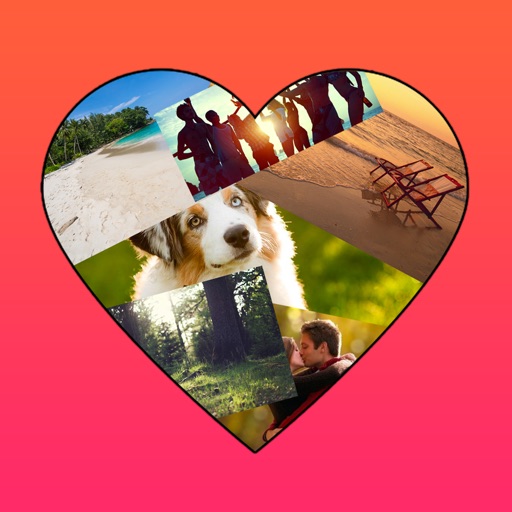
The app allows users to create photo collages in various shapes. Users can select photos and arrange them into designs such as hearts, dogs, cats, and martini glasses.
Create grids using templates like 3x3, 3x4, and 3x5. Edit images with brightness adjustments and add accessories. Share grids directly to Instagram and other social media platforms.
Create collages by arranging photos, text, and stickers. Edit images with cropping, filters, and adjustments. Design carousels to share stories. Add frames, borders, and backgrounds. Export and share finished projects directly.
Create Instagram collages using pre-designed templates. Select from static or animated layouts in categories like grid, minimal, and film. Customize templates with layer controls, color adjustments, and text overlays. Share directly to Instagram.
Edit photos and videos to create oil paintings using 29 presets and 12 professional tools. Adjust brush strokes and colors manually. Apply AI-generated oil with machine learning enhancements. Export edited content in various formats.
Create collages with up to 9 , adjust layout ratios freely. Design posters using social media, blog, and flyer templates. Edit and videos with filters, effects, and slow motion. Add stickers, emojis, , and word art.