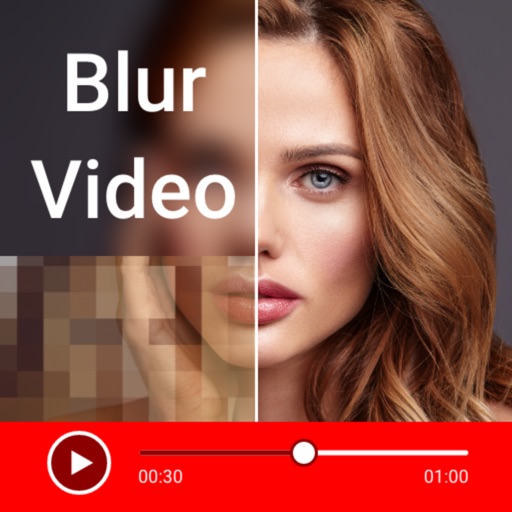
Create mosaic or effects on videos. Choose from four types. Adjust area by dragging or pinching. Modify blurriness with swipe gestures. Apply effects to specific sections in timeline mode.
Take photos or select from gallery. Apply beauty filters and edit selfies. Use over 240 filters and 800+ stickers. Crop photos and adjust sizes. Edit photos with built-in effects and blending tools.
Blurify allows users to specific areas of a or the entire background. They can select from various brush types and shapes to apply . Adjust the intensity using a slider. Pre-set effects can be applied for different styles.
Create 3D effects by moving the phone to capture multiple angles of a subject. Apply filters and effects to enhance the image. Add customizable background blur to simulate professional camera quality. Export videos without watermarks.
Photos by selecting and painting over areas with a magnifying glass tool. Adjust intensity and apply pixelation effects. Remove blemishes and add filters. Export edited images in high resolution.
Blur videos in MP4, 3GP, WMV, and other formats. Define multiple blur areas using rectangles or custom shapes. Adjust blur intensity and duration for each area. Track moving objects and apply blur selectively.
Backgrounds from photos with precision, save images with transparent backgrounds, or replace them with custom ones. Edit photos by adding filters, drawing, inserting text, and applying stickers to create professional images and social media content.
Create custom wallpapers with scaling and resizing options on various backgrounds. Choose from color, gradient, pattern, bokeh, and text effects. Apply parallax effect for all iPhone and iPad devices.
Edit photos with brightness, saturation, and contrast adjustments. Add text, stickers, and memes. Crop, rotate, and straighten images. Apply effects and frames. Sharpen or blur photos. Import images from the camera roll. Fix red tones.
Images using adjustable strength and soft/hard brushes. Remove stains and defects from photos. Enhance images with high-resolution editing and zoom. Apply focus to hide unwanted details. Offset wrist to avoid finger obstruction during editing.
The app allows users to post entire photos on Instagram without cropping. It offers a colorful background option and direct sharing to Instagram, Facebook, and X.
Take photos with real-time beauty filters and effects. Apply makeup and adjust skin tone instantly. Use photo filters to enhance images. Create collages by combining multiple photos. Edit with blur, whiten, and other tools.
Create self-portraits with sketch and artistic effects. Apply filters like sketch, painting, and pixelate. Save photos to the library or share on social media platforms. Print images directly.
Combine multiple photos into a single image. Create mosaics by arranging images horizontally or vertically. Apply blur effects to individual images. up to 50 or more photos in a single layout. Share the final composition directly.