Tag pictures on Instagram and Twitter with pre-selected hashtags. Copy and paste tags from categories like Popular, Nature, and Fashion. Includes over 2,000 individual tags across 100+ categories. Supports direct sharing to social media platforms.
Two photos to create a double exposure effect. Adjust blending modes and positions to merge images. Apply filters and share results on social media platforms like Instagram and Facebook.
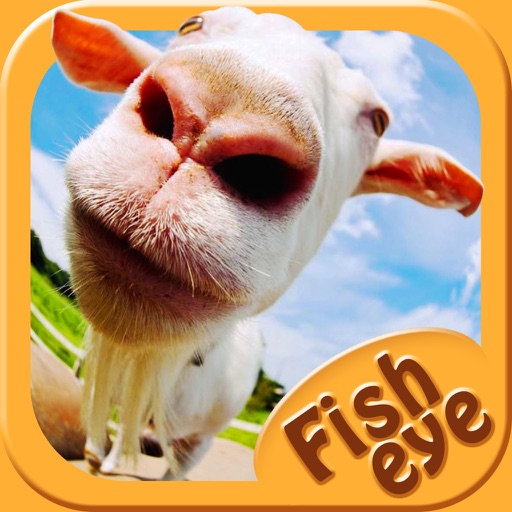
Capture photos a 178-degree fisheye lens for wide-angle . Apply 40+ filters and 8 ring textures for creative enhancements. Switch between lenses, filters, and textures for customized looks.
Convert videos into Photos or GIFs with trimming, backward playback, reverse, and speed control. Share Photos via iMessage, Facebook Messenger, Twitter, Instagram, and WhatsApp. Adjust timing and effects for custom animations.
Create custom mosaics and video mosaics using images from device or social accounts. Analyze colors and shapes to generate personalized mosaics. Adjust settings for customization. Zoom in for detailed viewing.
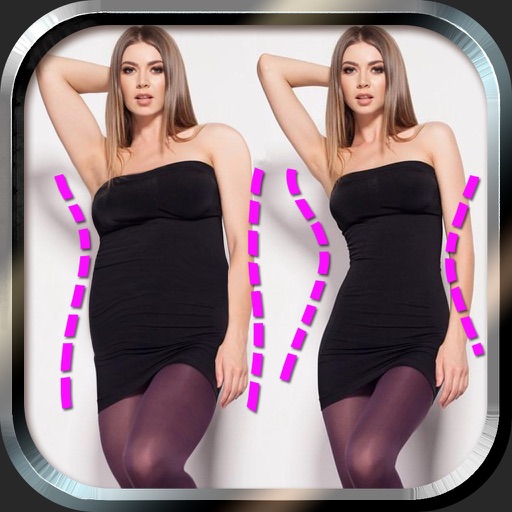
Edit photos to and body using auto-detection. Adjust and body thickness with sliders. manual edits and undo changes. Compare original and edited images. Save results to albums and share via email or social media.
CleanYourPhotos helps manage storage by removing duplicate , videos, and contacts with a single tap. Users can filter their camera roll to identify and delete large files. The also deletes unnecessary cache data to free up space.
Divide panorama photos into square pieces. Share to Instagram, Twitter, Line, and WeChat. Crop images easily. Use seven grid layouts including 12, 13, 22, 23, 33, 43, and 53. Adjust FillMode with dimensions from 1x1 to 10x10.
The app allows users to remove and edit backgrounds of pictures. It offers smart and manual cutout tools, with options to move, zoom, rotate, and crop images.
Browse and search for popular GIFs. View and collect GIFs saved in the . Save GIFs and share them on social media platforms like Facebook and Twitter. Supports dark mode for enhanced visibility.
Edit photos by applying filters and adding eye effects. Choose from multiple eye styles and import images from the camera roll. Share edited photos on social media platforms like WhatsApp, Facebook, and Twitter.