Apps Like SplitScreen - Multitask Player for iPhone and iPad
Split screen, , play
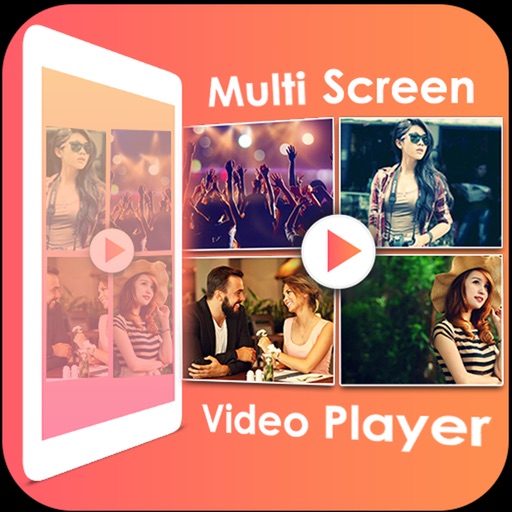
Split Screen - allows users to divide the screen into two sections. Users can run different apps such as a and a browser simultaneously. The interface is designed for ease of use. Internet connection is not required after installation.
by Hoa Nguyen★ 4.279 ratingsUtilitiesFreeData updated 2026-09-30
Compile and run C++ on mobile devices with integrated Python and Lua environments. Execute Linux commands via console. Support highlighting, split-screen display, and console input/output.
Perform calculations with feet, inches, and fractional inches. Add, subtract, multiply, divide, and compute roots or powers. Scale drawings using the scaling feature. Convert and manage measurements directly within the .
Cast videos from YouTube, Facebook, Dailymotion, and Vimeo to HDTV. Search and play content directly on the big screen. Use QR code or Bluetooth for quick WiFi setup. Stream via DLNA and multitask on your phone.
View and manage PDFs, , and videos in Picture in Picture mode. Navigate pages with 15-second jump buttons. Play photo slideshows or videos in PiP. Set a timer in PiP mode. No ads.
Edit PDFs by adjusting size, layout, and elements. Merge multiple PDF files into a single document. Convert images to PDF format. Save and share edited documents directly.
Record segments and splice them together. Use Dual Cam for split screen or picture-in-picture. Trim and cut individual clips. Add AI-generated subtitles and remove silent gaps. Edit videos without complex controls.
Access corporate websites and intranet securely with single sign-on. Browse the internet privately. Integrate with Mail and QuickEdit. Apply security policies via Endpoint Management. Manage access and permissions remotely.
Connect your iPhone or iPad to compatible consoles for mixer control. Adjust stereo monitors, manage normal and aux channels, and handle effect returns. Customize the mixer interface and switch between multiple layouts.
Allows users to browse social media and watch videos simultaneously. Open multiple apps side by side. Switch between full- views. Share content directly from either . Adjust layout for optimal viewing.
The app allows users to view two webpages simultaneously on an iPad by splitting the screen. Users can search and surf using two internet browsers at the same time, enabling multitasking for news, shopping, or work.
Securely stream content and browse the internet with a fast connection. Access restricted content globally. Protect privacy by connecting to secure servers. Download content from multiple servers worldwide.
Manage files on iOS devices with local or cloud storage. Transfer files via WiFi using drag and drop from web browsers or managers. Access multiple cloud accounts in one . View, download, and upload files directly.
Calculate tips as you type. Split bills with friends. Use 3D Touch shortcuts. Support split screen on iPad. Available in four languages. Works with Apple Watch and iPhone X. Simple design with minimal features.
Extract files from ZIP, RAR, 7Z, and other formats. Handle split archives and encrypted files with password input. Compress files into ZIP or 7Z with encryption and customizable split sizes. Secure with fingerprint, face recognition, or password.