Control Bluetooth-enabled devices via a mobile interface. Adjust settings, pair devices, and monitor connection status. Send commands and receive feedback in real time. Manage multiple devices from a single .
by 乔乔 张★ 0.00 ratingsUtilitiesFreeData updated 2026-09-29
Build custom dashboards with 20+ widgets including buttons, sliders, gauges, and real-time graphs. Control IoT devices via Bluetooth or Wi-Fi. Manage widgets through drag-and-drop interface. Connect to Blynk Legacy server for data control.
The app connects to Bluetooth Low Energy Proximity devices. Users can track these devices, configure settings, and trigger an alarm when devices go out of range.
Monitor indoor and outdoor air quality with real-time data on PM2.5, formaldehyde, carbon dioxide, and VOC levels. Control smart ventilation devices remotely, adjust settings, and share air quality reports.
Monitor and adjust sensor data in real time. Connect via Bluetooth Low Energy to access readings and configure settings. View historical data and receive notifications for changes.
Control and monitor an electric balance scooter via Bluetooth connection. Adjust vehicle settings, check battery status, and view performance data. Connect to the device and manage functions remotely.
Manage access control by importing organisation data and viewing all enabled devices within range. Unlock devices remotely and track access status. Export device information via email and organize keys for easy reference.
Enable team communication through Bluetooth intercom. Create and manage groups. Switch between audio sources and adjust volume. Share audio streams and receive calls. Monitor battery life and connection status.
Locate lost wireless earbuds using Bluetooth tracking. View real-time signal strength and distance indicators. Receive audio alerts to help find devices. Guide users to their misplaced earphones.
Control cameras remotely via the internet. Manage IoT devices with an intuitive interface. Monitor security footage and receive alerts. View live feeds and access historical recordings. Simplify home security management from a smartphone.
Monitor and control surveillance cameras remotely. View live and recorded footage, adjust camera angles, and set motion detection alerts. Receive notifications and manage multiple camera feeds from a single interface.
Monitor and control router settings remotely. Adjust Wi-Fi networks, manage connected devices, and view usage statistics. Schedule updates and reset router settings from a mobile device.
Communicate with hardware devices via Bluetooth. Control multiple terminals simultaneously. Group smart bulbs, turn them on/off, adjust brightness, color, temperature, and effects.
Scan devices, connect via Bluetooth, view real-time
Allows users to scan QR codes to identify devices and connect via Bluetooth. It retrieves real-time measurement data, protection settings, and device health status. Users can perform health tests, manage data, and upload information.
Control and manage a cinema-grade audio processor wirelessly. Adjust audio settings, monitor system status, and configure input/output channels. Supports iPhone for basic operations with intuitive interface.
Control the -8100A soil CO2 flux system remotely via Wi-Fi. Adjust measurement settings, configure sensors, and monitor data in real-time. Access setup menus and manage long-term or survey measurements from iOS devices.
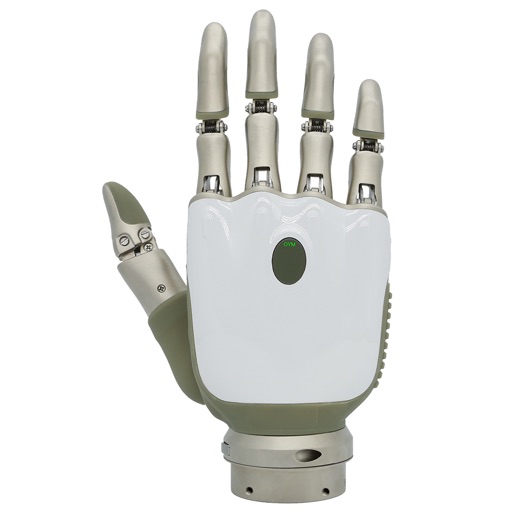
Manage prosthetic devices with real-time control and feedback. Adjust grip strength and movement settings. Monitor device status and receive maintenance alerts. Sync with compatible devices for seamless operation.
Shenzhen Juji Intelligence Technology Development Co., Ltd.
Configure power settings via NFC or Bluetooth
Configure output current and DALI parameters via NFC or Bluetooth. Set corridor mode and CLO functions. Read and save power parameters. Adjust device settings remotely.
Monitor battery state of health and charge level. Update firmware for BP Series and BOB Series batteries. Connect via Bluetooth Low Energy for real-time data access and performance tracking.
Control amplifiers via Bluetooth, adjust volume, select
Connect to DA series devices via Bluetooth. Adjust main volume, subwoofer volume, input selection, and settings modes. Pre-set configurations are stored in computer software for easy access.