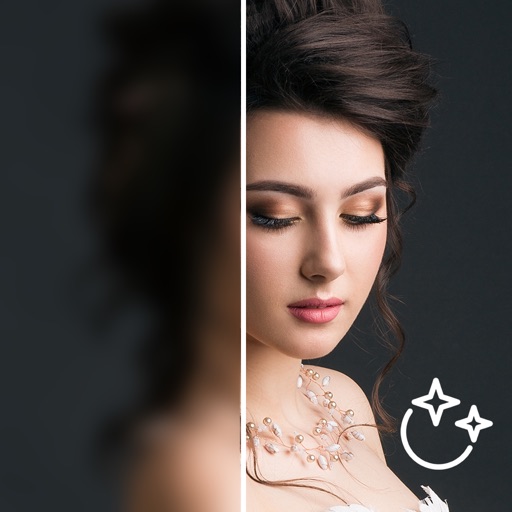
Enhance quality by unblurring, restoring clarity, and fixing low-resolution images. Create AI-generated avatars from selfies. Apply artistic filters and adjust colors. Export edited photos in various formats and share directly.
Converts speech to text and vice versa with high accuracy. documents and emails using context analysis. Use live camera translation for menus and signs. Share translated text and audio.
Restore old, blurry, or damaged photos using AI-based enhancement. Adjust clarity, brightness, and color. Remove blemishes and red eye. Resize and export in various formats. Apply filters and effects. Share restored images directly.
Edit photos with AI upscaling to enhance clarity and detail. Adjust resolution and add textures. Process images quickly for instant results. Access intuitive tools for straightforward editing. Export enhanced photos directly.
Edit photos with nondestructive color adjustments, AI-powered automatic selections, and support for over 750 RAW formats. Use the Repair tool to remove unwanted objects. Export edited images in various formats and share directly.
Convert photos between JPG, PNG, HEIC, and PDF formats without quality loss. Select and add multiple images from various sources. Adjust compression settings and save or share converted files.
By removing fading, scratches, and yellowing. Enhance color and clarity using AI. Convert black-and-white images to color. Adjust brightness, contrast, and sharpness. Export restored in high-quality formats.
RAY INFORMATICS YAZILIM TEKNOLOJI MEDYA DANISMANLIK VE EGITIM TICARET LIMITED SIRKETI
Enhance, restore, and upscale photos
Edit photos with unblurring, enhancement, and upscaling tools. Restore damaged or faded images. Adjust clarity and sharpness. Save and share edited photos directly.
Capture photos with advanced HDR, denoising, and 110-megapixel resolution. Use macro and zoom features for detailed shots. Adjust lighting and enhance details with AI-powered processing. Export high-resolution images directly.
Enhance low-quality images into high-resolution photos using AI upscaling. Preserve and add fine details during enhancement. Use custom prompts to adjust lighting, backgrounds, and specific details for precise edits.
Set home or lock screen from a collection of high-resolution images. Choose from over 500 options that expand over time. Customize by selecting preferred images and skins. Save selected for future use.
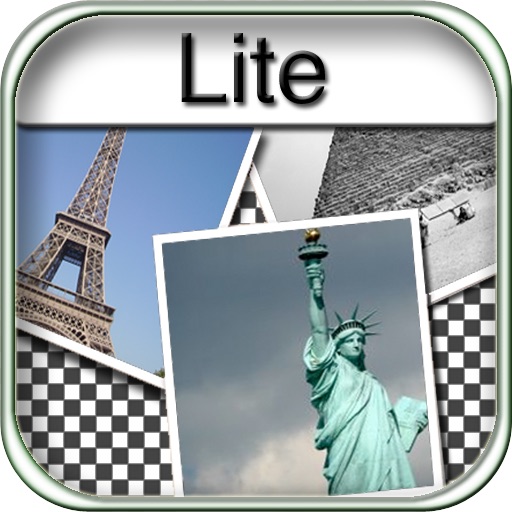
The app allows users to create collages for iPhone or iPod Touch wallpaper using a multitouch interface. It offers creative options such as a black-and-white or sepia converter, border addition, and transparency adjustment.