Use an with customizable size, position, and color settings. Perform calculations up to 15 digits. Challenge addition, subtraction, multiplication, and division problems. Adjust bead sounds and screen orientation for horizontal use.
by Hirokazu Komatsu★ 4.560 ratingsEducationFreeData updated 2026-09-28
Practice with arithmetic exercises covering multiple difficulty levels. Solve problems in various categories. Download a free printable workbook. Remove ads to access offline mode and all features without internet.
Calculate tax amounts and total prices including tax for any rate. Apply discount percentages to reduce total amounts. View breakdowns of tax, discount, and final price. Share results via copy or email.
The app offers four calculation modes: addition, subtraction, multiplication, and four operations. Users can select from various keyboard types and utilize Bluetooth keyboards.
Practice with unlimited questions across 12 categories and 50 subcategories including addition, subtraction, , algebra, and geometry. Assign homework, track progress, and view child performance reports.
Perform arithmetic with fractions, mixed numbers, and whole numbers. Execute addition, subtraction, multiplication, and division. Automatically simplify results to lowest terms. Display mixed fractions. View and reuse calculation history.
Solve math problems to guide a through levels. Practice addition, subtraction, multiplication, and division. Adjust difficulty based on age and skill. Collect correct answer bubbles and avoid mistakes. Track progress and improve speed and accuracy.
Teach basic operations with interactive exercises and AI-powered activities. Children can practice addition, subtraction, multiplication, and division. The includes number recognition and problem-solving tailored for young learners.
Learn tricks and illusions through augmented and virtual reality. Explore techniques like misdirection and sleight of hand. Watch AR and VR performances of tricks. Follow step-by-step AR instructions to practice over 30 classic tricks.
Practice math facts with flash cards for addition, subtraction, multiplication, and division. Include negative numbers and commutative properties. Choose timed or untimed sessions. Track progress with detailed score reports.
Learn with interactive covering numbers, addition, subtraction, fractions, decimals, coin , geometry, time, multiplication, and division. Practice with a curriculum-aligned interface that includes visual aids like polygons and clocks.
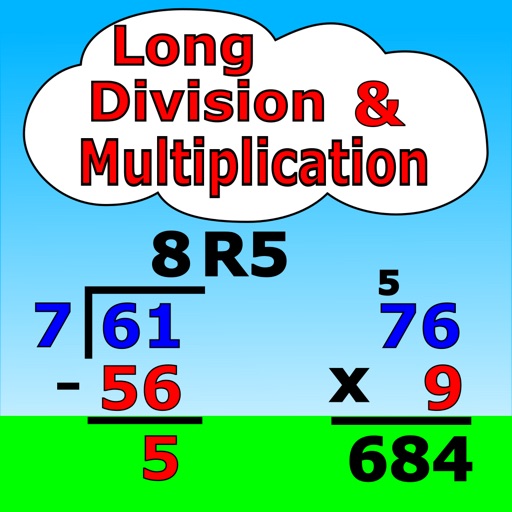
Practice and with customizable problem settings. Solve problems with 1 to 4 digits in the divisor and 1 to 5 digits in the dividend. Access tutorials with adjustable animation speed. Use the play tutorial button for step-by-step solutions.
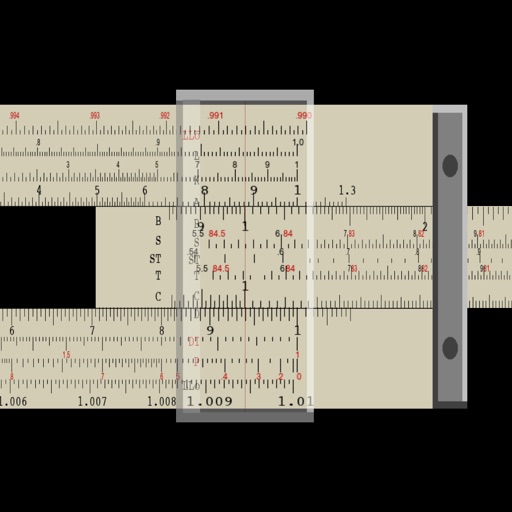
Perform multiplication, division, logarithmic, and trigonometric calculations using a slide rule interface. Adjust scales for precise measurements. Manual operation requires sliding components to compute results.
Practice arithmetic operations, exponents, and equations with randomly generated problems. Solve mixed operations, work with scientific notation, and calculate roots. Track progress and review solutions for each problem.
Generate strong passwords with customizable character types including lowercase, uppercase, digits, and symbols. Automatically copy generated passwords for quick use. View color-coded character distribution for clarity.
The app offers four math categories: Addition, Subtraction, Multiplication, and Division. Users can compete with friends or global players to improve calculation skills and discover rankings.
Practice skills through interactive puzzles that involve addition, subtraction, multiplication, and division. Earn in-game currency to customize a character, purchase items from a store, decorate a house, and care for a pet.