Use an with customizable size, position, and color settings. Perform calculations up to 15 digits. Challenge addition, subtraction, multiplication, and division problems. Adjust bead sounds and screen orientation for horizontal use.
by Hirokazu Komatsu★ 4.560 ratingsEducationFreeData updated 2026-09-28
The app offers practice in addition, subtraction, multiplication, division, and angles. Users can track their progress with statistics and choose between Study Mode, Stress Test, or a 20-question Quiz.
Practice with customizable levels and track progress
Practice mental with customizable difficulty levels and multiple game modes. Track player progress and compete in multiplayer sessions. Includes timer challenges and a watermelon game for addition practice.
Allows users to practice addition, subtraction, multiplication, and . Select a section for targeted training. Customize question ranges and settings for personalized practice.
Perform arithmetic calculations with 12 digits. Calculate tax, percentages, and cost, selling price, and gross margin. Use memory functions, square root, and sign change. Track grand total.
Practice third- skills with dynamic, minute-long challenges covering multiplication, division, addition, subtraction, and fractions. Track progress and identify knowledge gaps. Complete Common Core-aligned exercises to build a strong foundation.
Calculate , solution volume, solute mass, or molecular weight by inputting three variables. The fourth is automatically computed. Units can be adjusted for solution volume, solute mass, or molecular weight. Purchase in- to save custom compounds.
Teach through adaptive lessons tailored to children aged 3 to 14. Practice counting, number writing, addition, subtraction, and multiplication. Complete interactive games aligned with school curriculum. Track progress through leveled content.
With timed quizzes covering addition, subtraction, multiplication, and division. Solve problems with varying difficulty levels. Track progress over time. Access game-based challenges to improve speed and accuracy. Share scores with friends.
Perform calculations with basic arithmetic, fractions, and advanced functions. Store calculation history for review. Switch between light and dark modes. Use HD display for clear results. Adjust layout for easier input.
Select problem levels from multiple difficulty categories. Practice abacus skills with targeted exercises. Track progress and adjust difficulty as needed.
Learn basic operations through interactive activities. Solve word problems and validate expressions. Match values to equations and select correct operators. Solve algebraic equations for X and compare equations for equality.
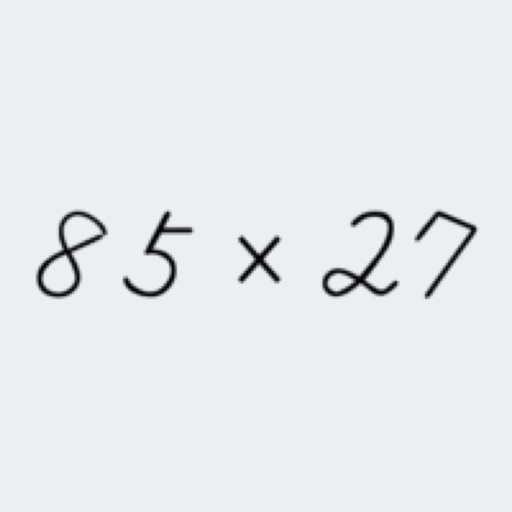
Practice operations including addition, subtraction, multiplication, and division. Solve problems with natural handwriting input. Adjust difficulty based on skill level. Earn rewards and bonuses for progress.
Practice mental addition and subtraction through interactive exercises. Solve problems to build fluency and recall. Track progress and receive instant feedback. Sync with classroom accounts for teacher oversight.