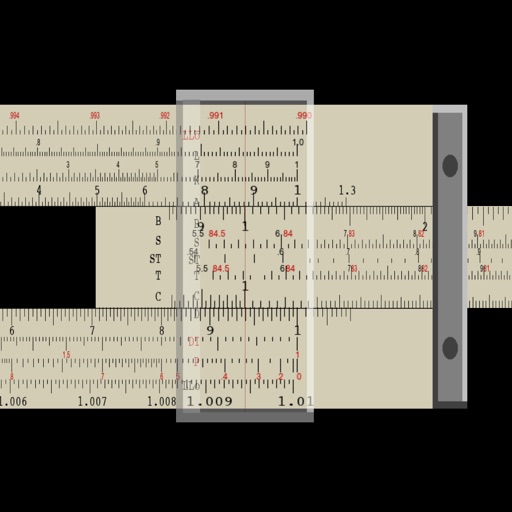
Perform multiplication, division, logarithmic, and trigonometric calculations using a slide rule interface. Adjust scales for precise measurements. Manual operation requires sliding components to compute results.
by Steve Glenner★ 4.69 ratingsEducation$0.99Data updated 2026-09-28
Practice addition, subtraction, multiplication, and division with interactive exercises. Solve problems using natural handwriting input. Adjust difficulty based on skill level. Earn rewards and bonuses to stay motivated.
MyCalc offers basic and scientific calculation functions. Users can switch between portrait and landscape modes. It supports currency and unit conversions. Results, equations, and conversions can be copied, shared, or saved.
Practice mental arithmetic with exercises in addition, subtraction, multiplication, and division. Set goals and track progress. Customize difficulty levels and receive instant feedback after each answer. Share scores with friends.
Solve math problems with natural textbook input and fraction support. Trace graphs with touch. Zoom using pinch gestures. Tap for regression analysis. Swipe to scroll through calculation history and matrices. Access help via the ? key.
Calculate measurements in feet, inches, and fractions. Convert between units and perform complex calculations. Store frequently used values and recall previous entries. Adjust for slope and pitch. Export results to email or cloud storage.
Solve mathematical problems with fraction, decimal, and equation input. Display results in decimal, rational, , or trigonometric formats. Support up to 16 decimal places for precise calculations.
Perform general calculations including addition, subtraction, multiplication, division, and square roots. Use memory functions for storage and retrieval. Apply thousands separators and handle numbers up to 60 digits.
Practice problems with addition, subtraction, multiplication, and division. Solve equations with numbers up to 1000. Track progress over time. Draw numbers directly on the screen for an interactive experience.
Unit and currency converter for quick conversions. Solve math problems with handwriting recognition. Calculate BMI, date intervals, and basic data. Analyze equations and perform photo-based problem searches.
Math problems by taking a photo. Recognize equations, word problems, and geometry figures. Get step-by-step solutions and explanations. Track progress and review past problems. Share solutions via email or messaging.
Practice skills in geometry, addition, subtraction, multiplication, and division. Customize difficulty levels and align with Common Core standards. Track progress with detailed reports and adjust settings for individual learning needs.
Practice operations and riddles tailored for K-4th graders. Choose difficulty levels for addition, subtraction, multiplication, and division. Complete challenges to improve memory and attention.
Solve puzzles by combining four numbers with basic math operations to reach 10. Adjust equations using addition, subtraction, multiplication, and division. Track progress and replay previous challenges. Play anytime with one-handed controls.
Perform calculations using a scientific calculator with customizable layouts. Take notes automatically with the notepad feature. Enable multitasking with slide over and split view on iPad. Drag and drop elements for easy rearrangement.
Perform calculations with a clean interface. Store and reuse numbers using the Memory Area. Bookmark equations for quick access. Drag and drop values between calculations. Switch between scientific and basic modes. Export results as text or image.
Plus allows users to perform basic math operations including addition, subtraction, division, multiplication, squaring, and square root. It features large buttons, clear numerals, and horizontal mode for additional controls.