Edit photos with AI filters, text overlays, and background removal. Generate images from text descriptions. Create future baby visuals by uploading photos. Apply AI filter packs for artistic effects. Save and share edited photos directly.
Edit photos by drawing on them with adjustable brush sizes and color choices. Use an erase tool and undo/redo functions for precision. Save edited images for later changes or share them directly on social networks.
For images using across multiple engines. Perform keyword searches and view direct links. Manage history and save favorite images. Save images for quick access. The free version includes limited features.
Create and ID at home with compliance tools. Adjust lighting, background, and pose. Crop and resize to meet specifications. Export as PDF or image files. Share directly with authorities or print.
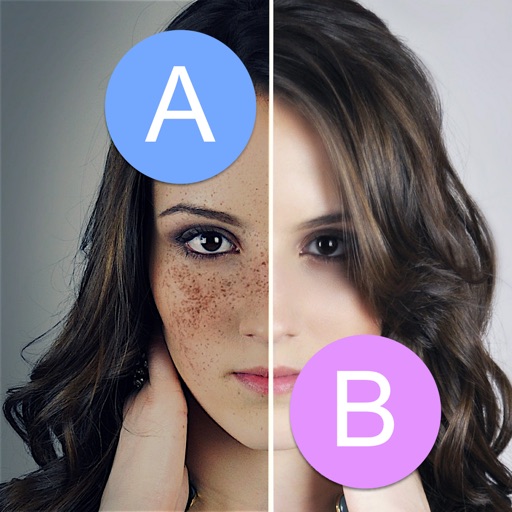
Crop and resize images. Adjust brightness, contrast, and saturation. Remove blemishes and red-eye. Add text, stickers, and borders. Export in various formats and share directly.
Access remote files via , download and store them locally. Navigate network or cloud storage, delete, rename, and move files. Share files via email or cloud services. Edit text documents directly. Sync with local server or NAS.
The app offers tools for photo editing, including frames, layouts, and effects. Users can adjust color balance, brightness, contrast, and saturation, and apply sharpening or blurring.
Convert photos into artistic styles like cartoons, watercolors, and pencil sketches using AI. Apply filters and adjust details. Save and share edited images directly.
Create animated GIFs from videos or photos. Trim clips, add text, and apply filters. Share directly to social media or messaging apps. Edit frames and adjust timing for custom animations. Export in various formats for different platforms.
The app helps users discover wedding ideas and create polls for indecisive matters. Users can search for wedding-related content, save liked items, and share their own ideas through posts and polls.