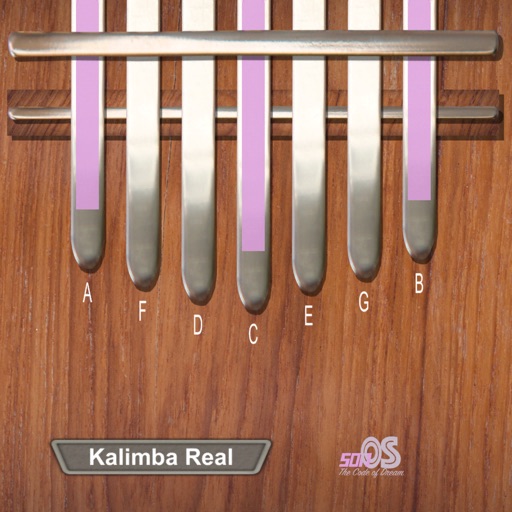
Play kalimba sounds with adjustable 9-21 key range. Record and playback loops using built-in looper. Customize key markings and background colors. No advertisements.
by David Fu★ 4.83,130 ratingsMusicFreeData updated 2026-09-28
Create with built-in drums, synths, and effects. Layer loops and beats to build evolving soundscapes. Collaborate in real-time with others. Adjust parameters for custom sounds. Export tracks in multiple formats.
And find chords based on the circle of fifths. Learn scales and chord progressions. Identify compatible chords within a key. Set and track musical goals. Sync with instruments and export progressions.
Record vocals with high-quality audio capture and multi-track editing. Organize library with smart tags, version control, and AI BPM/key detection. Share playlists securely with custom artwork and real-time analytics.
Create and manipulate audio loops with customizable settings. Sample and sequence MIDI data. Host plugins and build custom effect chains. Sync with external devices and control performance parameters in real time.
Record and apply over 50 including helium, robot, and zombie. Share recordings via WhatsApp or email. Save audio files and adjust quality. Create from text and combine music . Generate sound-based images and share on Facebook.
Simulate a by adjusting sound levels and movement. Compete on a worldwide leaderboard. via Game Center or Bluetooth. Record custom saber sounds. Use various saber colors, hilts, and sounds. Access force powers like lightning.
Play sounds with studio-quality tones. Use round robin and per-key sampling for authentic playback. Apply effects like delay, reverb, and modulation. Adjust settings for custom sound shaping. Save and share compositions directly.
Create and edit sheet and guitar tabs using touch piano, guitar fretboard, or drum pads. Play back compositions with over 90 instruments. Share directly or export as PDF. Sync with web version for editing on multiple devices.
Create manicure designs by selecting skin tones and polish colors. Apply rhinestones, crystals, diamonds, gemstones, pearls, stickers, patterns, fimo, and resin. Customize designs or choose from pre-made salon options.
Control instruments with multi-touch gestures. Adjust parameters in real-time. Route audio and MIDI signals. Access transport controls and mixer functions. Perform live using touch-based input. Sync with Pro or GarageBand on Mac.
Solve with high-definition images and adjustable difficulty levels. Customize puzzle sizes and themes. Drag and drop pieces to complete scenes. Track progress and save games. Share completed via social media.
Edit audio files with waveform visualization. Change playback and pitch independently. Record and save modified audio. Separate stems to isolate vocals, guitars, or drums. Create backing tracks or practice isolated instruments.
Create music by mixing beats and sounds. Tap to select instruments and arrange melodies. Adjust tempo and volume. Save and share custom tracks. Explore a variety of sound effects and musical elements.
Convert into interactive lessons with accurate scanning and transposition tools. Adjust key settings for different instruments. Play along with built-in audio. Save and organize lessons. Export notes and practice tracks.
Record high-quality uncompressed WAV using a built-in microphone or connected Shure microphone. Edit recordings with trim, split, fade curves, and markers. Save files in compressed formats. Adjust gain up to 36 dB and use preset or custom modes.
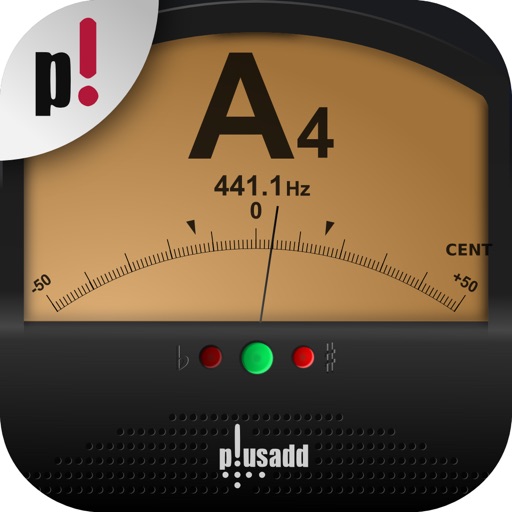
Allows users to tune instruments using the device's microphone. It supports custom temperaments and transposition. Features include solfège notation, adjustable calibration, and a spectrum power indicator for sound visualization.