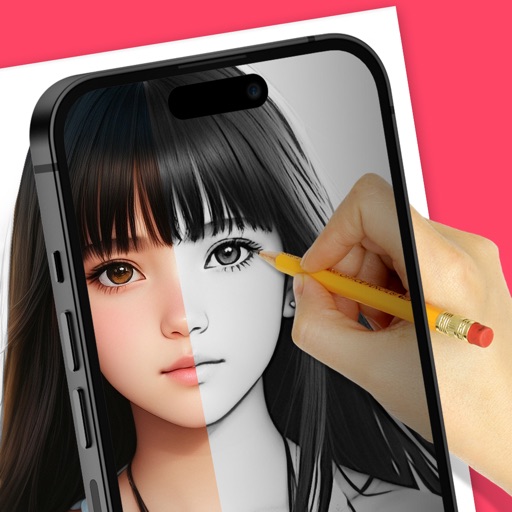
AR : Project sketches onto real-world surfaces for accurate proportions. Use stand mode for stable, low-latency . Convert paper sketches into digital art with precise tracing and editing tools. Save and export artwork in multiple formats.
Record daily activities with a customizable electronic notebook. Edit entries with detailed formatting options. Choose from various stationery backgrounds and cute fonts. Add maps and personal for a unique experience.
Daily tasks and habits within existing routines. Set reminders and track progress over time. Adjust routines based on completed actions. View weekly summaries and habit streaks. Sync across devices for consistent tracking.
Create digital art with a variety of Procreate tailored for different styles and techniques. Adjust brush settings for pressure sensitivity and flow. Save and organize artwork in a digital gallery. Export creations in multiple file formats.
Create illustrations with a spacious canvas and customizable screen settings for iPad users. Use a wide range of brushes and tools for detailed drawing. Save work automatically to the cloud and adjust panels for comfort and efficiency.
Create digital art with layers, brushes, and customizable palettes. Import images and vector graphics. Save and export in various formats. Access tutorials and community features. No ads during use. One-time purchase for permanent access.
Take notes and sketch ideas with natural pen-like ink. Resize and reposition elements with finger gestures. Organize thoughts by rearranging concepts visually. Sync notes across devices and export in various formats.
Allows users to select from 60+ illustrations. Choose from four realistic drawing tools including watercolor. Paint using artist-created patterns. Save and share completed pages.
Trace images to create sketches or drawings. Adjust line thickness and brush styles. Use an eraser tool. Apply filters to images. Select from gallery or take new photos. Draw on paper with phone held 1 foot above.