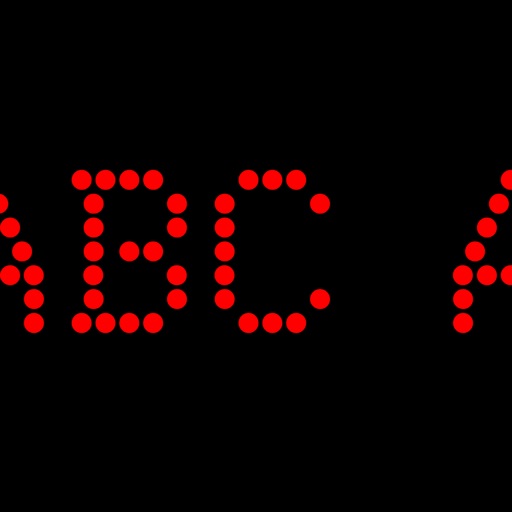
Displays scrolling text messages and emoticons on an LED dot-matrix screen. Users can input messages, choose text colors, and adjust scrolling speed. Supports continuous operation with customizable content.
Customize keyboard layouts with user-defined keys for letters, Greek symbols, math operators, arrows, and emojis. Organize keys into stack-based panes and switch between them automatically or manually.
Access remote devices via SSHv2 and Telnet. Connect through serial ports using Bluetooth or physical cables. Run scripts, share screens, and log sessions. Integrate with Dropbox and iCloud for file storage and syncing.
Capture and analyze HTTP/HTTPS traffic, rewrite requests, and manage SSH connections. Use Terminal and Python3 for scripting. Edit cookies, perform DNS parsing, and run traceroutes. Monitor system resources like CPU, memory, and network.
Allows users to save and access copied text and images. Enable background monitoring to automatically store content. Sync clips across devices using iCloud. Organize and retrieve clips quickly. Share copied content directly from the .
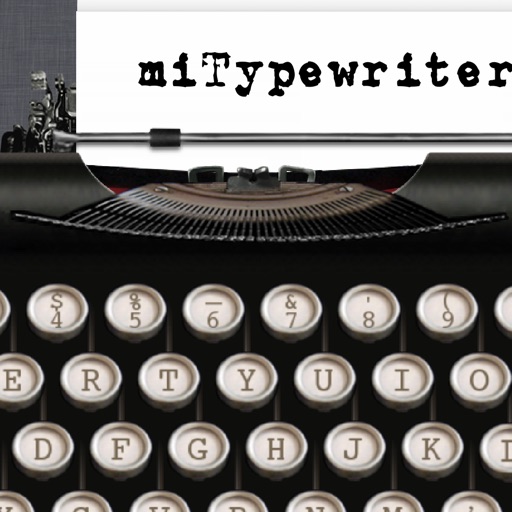
The app provides a realistic typewriter experience on the user's iPad. It offers features such as email by image or text, a backspace key, multiple fonts, keyboard layouts, and ink ribbon colors.
Type custom directly into social apps without copying and pasting. Choose from cursive, italic, gothic, and other styles. Access a unique symbol keyboard for enhanced messaging.
The app provides a Khmer keyboard for iOS users to type and save Khmer text. Users can send Khmer text via email, copy it to other applications, and print it.
Customize color schemes for background, text, and buttons. Toggle article reading direction for easier navigation. Switch between ANSI and MOBI modes without reloading. Browse PTT anonymously without login. Access guest mode for quick viewing.
Edit files including TXT, RTF, RTFD, HTML, XML, and markdown. View and modify formatting details like font, size, color, and alignment. Preview HTML and markdown in real time. Access files from device storage or cloud services.
Converts in images to editable format. Supports multiple languages and batch processing. Requires clear, well-formatted and portrait orientation. Extracts photos and saves as editable files.
Create with custom typography, choosing from vertical and horizontal layouts. Select from multiple background options and frames. Apply various fonts to enhance visual impact.