Create photos using AI-powered smart filters. Adjust exposure, contrast, and saturation. Apply style presets or customize filters. Save and share edited images directly.
by Dmytro Hrebeniuk★ 4.818 ratingsPhoto & VideoFreeData updated 2026-09-27
The app provides independent photo and video capture controls, including exposure and white-balance lock. It offers live filters, burst mode, and time-lapse video recording with editing options.
Edit photos with multiple filters like grayscale, sepia, vivid, high contrast, soft, warm, and cool tones. Adjust intensity for desired effects. Fine-tune brightness, contrast, saturation, and sharpness.
Enhance low-quality photos with AI-powered upscaling and detail refinement. Adjust brightness, contrast, and color. Apply cartoon effects and convert portraits to HD selfies. Save and share improved images directly.
Edit photos adjustable temperature, tint, and exposure settings. Use texture blending tools and apply effects. Add stickers opacity and shadow control, and include text 3D effects and multiple fonts. Crop, rotate, and straighten images.
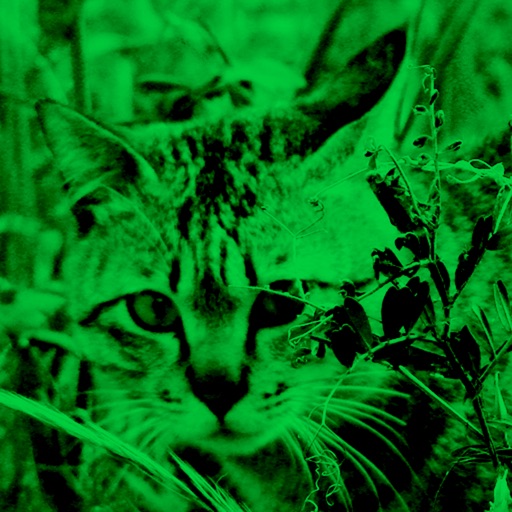
Enhance low-light photos with increased light intake and 8x zoom. Apply thermal imaging, green mode, and binoculars effects. Adjust brightness and contrast for clearer images in dark conditions. Share edited photos directly.
The app offers different photographing themes including Portrait, Scenery, Food, Night, and Still Objects. It automatically selects matched filters for user photos based on the chosen theme.
Turn photos into cartoons with AI-powered filters. Add toon backgrounds and layouts. Edit self-portraits with effects. Share edited images on social media platforms. Apply digital art filters and create anime-style avatars.
Apply ultrasound-style filters to photos and videos
Apply filters to photos and videos to create ultrasound-like visual effects. Adjust filter intensity and choose from multiple scan patterns. Save and share edited content directly.
Faces between two images with a single tap. Select and apply pre-designed templates. Adjust facial features and expressions. Save and share edited photos directly.
Capture property photos and share listings instantly
Capture high-quality HDR images for real estate listings. Edit photos with AI-powered tools for enhanced clarity and color. Share listings directly to social media and real estate platforms. Manage property details and view analytics for performance.
Edit photos with and mosaic effects. Apply 15 types of or mosaic filters. Adjust color to create soft or colorful images. Save and share edited photos directly.
Edit photos and videos with advanced auto enhance tools, double exposure, and 425 special light effects. Apply filters, add stickers, typography, and vignettes.
Edit with predefined filters, styles, and background effects. Adjust image ratios automatically. Share directly to Facebook, Instagram, or Twitter. Add and customize backgrounds for social posts.
Add filter effects to photos by importing from the library or using the camera. Save favorite for quick access. Adjust brightness, contrast, and saturation. Export edited photos in various formats.
Edit photos and videos with a wide range of filters, including film filters and Kira starlight filters. Access templates and search for trending songs. Apply filters and export edited content in various formats.
Edit photos with over 20 available effects. Apply filters, adjust brightness and contrast. Crop and rotate images. Save and share edited photos directly.
Apply winter-themed to images. Adjust frame opacity and position. Share edited photos directly. Add text overlays and decorative elements. Export in various formats.
Edit photos with brightness, contrast, and color adjustment tools. Apply over 1000 effects and filters. Add text, stickers, and animations. Share photos directly to social media or email. Export in various formats.
Edit photos with exposure, contrast, highlights, shadows, whites, and blacks adjustments. Modify colors with saturation, vibrance, hue, and temperature. Remove haze and fog with an intelligent filter.