View live video feed from connected dash cam on iOS device. Download and share videos directly from the camera to iOS. Control camera functions like taking photos and recording videos via iOS.
Diagnose lights, monitor data, customize car settings
Monitor live vehicle data and diagnose dashboard warning lights. Customize car settings, unlock hidden features, and perform simple DIY maintenance tasks. Access real-time parameters and service your car without professional help.
Access exclusive content, including original events and product launches. View artist inspirations and behind-the-scenes insights. Connect with your vehicle via smartphone. Receive priority access to new releases and updates.
Turn your phone into a driving dashboard with real-time navigation, music control, and call management. Access live updates and adjust settings directly on your device. Mount and use without needing built-in car systems.
View and replay videos from M8 or M7 Wi-Fi cams. Access recorded footage anytime. Store and organize road trips and incidents. Share videos directly from the . Sync with compatible cams for instant access to footage.
Access dash cam footage via Wi-Fi. View videos in real time, download or delete recordings. Manage dash cam settings and receive alerts. Compatible with specific Thinkware models and iOS 7.0 or later devices.
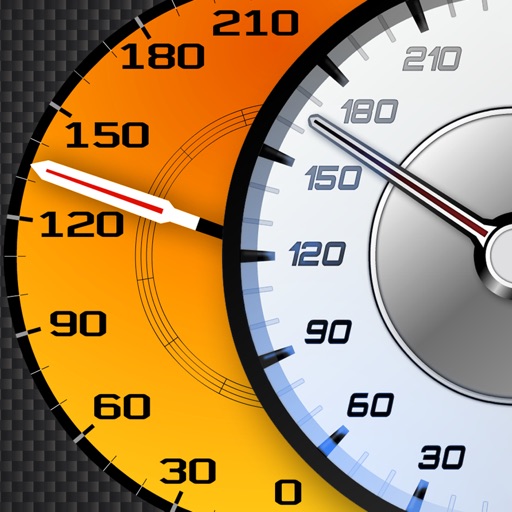
Track vehicle speed using GPS or simulation mode. View detailed speedometer displays with realistic graphics. Hear authentic engine during acceleration. Explore speed data from popular supercars.
Preview footage, control settings, update firmware
Preview and manage dash cam footage and photos. Control settings and update firmware. Transfer files wirelessly to a phone. Share videos and images directly to social networks. Review content without needing a computer or cables.
Access and replay driving videos from compatible cams. Manage settings, view footage, and control recording options directly through the . Supports multiple device models for video playback and configuration.