Create collages by arranging photos in a . Choose from multiple templates and effects. Adjust layout, add text, and apply filters. Export collages in high definition and share directly.
Edit photos with background removal, cropping, and resizing tools. Adjust brightness, contrast, and color. Choose from and ID photo templates. Preview and export in required formats. Share directly or save for later.
Edit photos with templates and free-layout tools for prints. Create collages, calendars, and photo IDs. Customize designs with text and decorations. Print directly from the .
Take and ID photos using a mobile device. Automatically adjust images to meet country-specific requirements. Manually crop and resize photos for precise formatting. Save and share edited photos directly.
Upload from your device. Select print sizes and quantities. Choose pickup locations at Walgreens, CVS, or Duane Reade. View order status and track delivery to the selected store. Print instantly and collect them within one hour.
Create ID data from smartphone photos. Retake photos as needed. Save individual data. Export in print-ready format matching 4x6 size. Print at home using compatible printers.
Capture photos with facial tracking for fun . Use four filters and eight face animations. Create 4-up photo strips in 2x2 or 4x1 layouts. Switch between front and back cameras. Add geo tags to photos.
Design custom layouts with text, backgrounds, stickers, and effects. Run live event mode with countdowns and photo previews. Guests can print via AirPrint or share photos and GIFs to social media or themselves.
Take photos and apply -themed and wreaths. Add stickers like ornaments, elves, and jingle bells. Enable snow effects and customize designs with multiple decorative elements. Share finished photos directly.
The app functions as a personal photo booth for users to capture photos and selfies at events. Users can share images via Facebook, Instagram, email, or text after a countdown.
Take selfies or select from the photo library. Apply single-tap filters for self-portraits. Save photos and share to Twitter or Facebook. Includes self-timer and professionally designed effects.
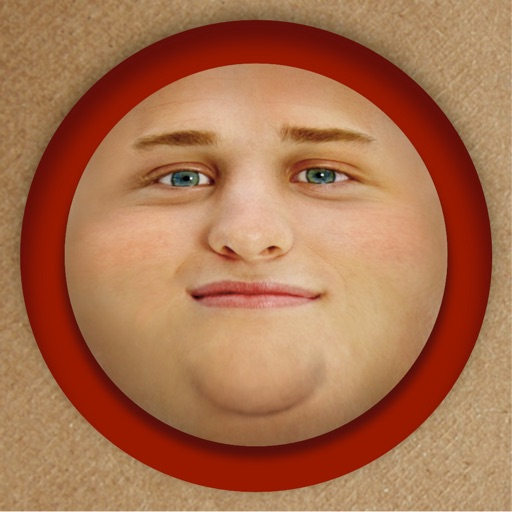
Edit photos by adding exaggerated weight gain effects to faces. Share modified images via email, iMessage, Instagram, Snapchat, Facebook, Twitter, and WhatsApp. Toggle between original and altered views using device shake.
Edit photos by flipping or mirroring with a finger swipe. Resize images using the same gesture. Create mirrored copies next to original photos. Save and share edited images directly.
The app allows users to create unique iPhone wallpapers using KPOP photos and art. Users can also add frames, stickers, and memes to personalize their creations and share them with friends.
Take photos with front- and rear-facing cameras. Apply real-time effects like Twirl, Light Tunnel, X-Ray, Squeeze, and Kaleidoscope. Share photos via AirDrop, Mail, Messages, iCloud, or social networks.
The app formats, prints, or saves passport photos using templates for 100 countries. Users can adjust pictures with multi-touch gestures and correct saturation, brightness, and contrast.