Adjust audio frequencies with precise equalization controls. Apply filters, adjust gain, and manage frequency bands. Save presets and load them quickly. Integrate with digital audio workstations for real-time processing.
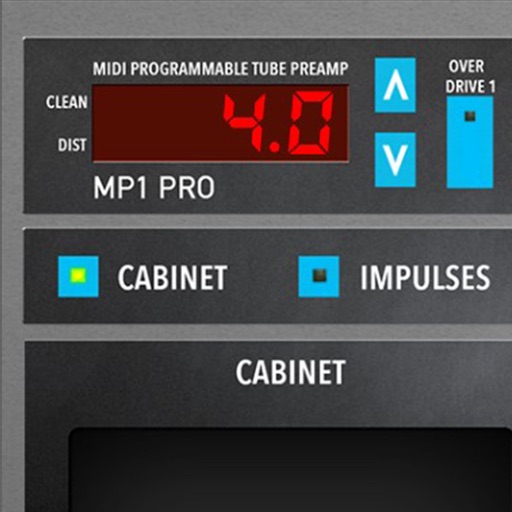
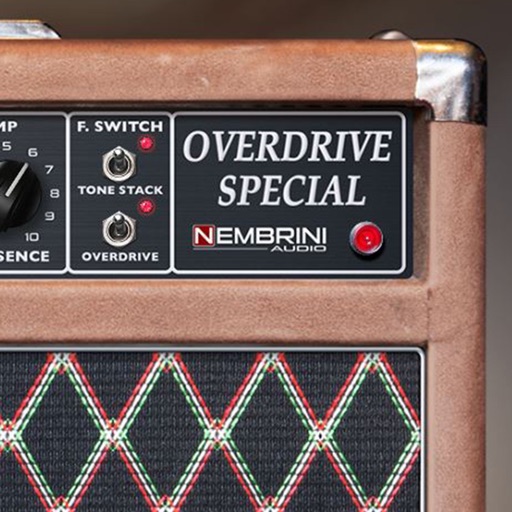
Adjust audio signals with tri-state voicing options for distortion tube, clean tube, or solid state. Apply digital delay with lo-fi filter and time offset controls. Customize power amplifier settings including presence, resonance, and power switch.
Create and manipulate effects using a step sequencer interface. Adjust tape simulation settings including compression, saturation, hiss, head bias, and wow/flutter. Export audio files and apply effects during recording or playback.
The app provides studio quality reverb for AUv3 compatible hosts, Audiobus, and Inter-app audio. It simulates acoustic properties using impulse responses and classical algorithms for clarity and sense of space.
Record in WAV or M4A formats with mono or stereo settings. Choose microphone input for monoral or stereo recording. Adjust playback effects and save recordings for business or entertainment use.
Transform in real time using adjustable presets and sound engine. Change to baby, tenor, robot, choir, animals, or instruments. Apply effects like AutoPitch, vocoders, and percussions. Record and share transformations.
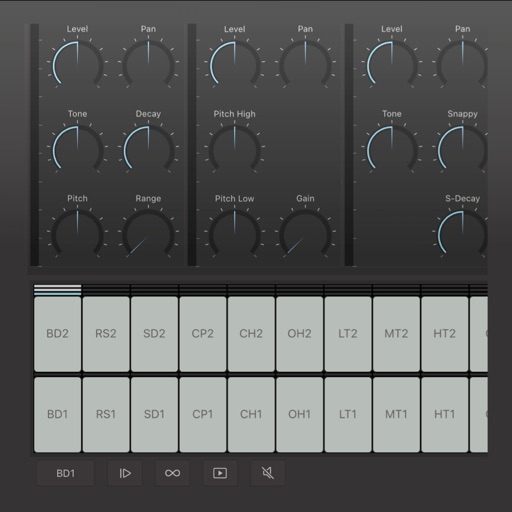
Create and edit drum patterns using 27 drum voices. Apply effects like delay, chorus, and reverb. Automate parameters and sequence 16-bar patterns. Save and load project files for later editing.
Create reverb effects with adjustable room sizes and filters. Modify early and late reflections, add modulation, damping, and diffusion. Use a ducker based on the dry signal. Apply effects to audio tracks in a DAW.
Adjust audio levels with a for louder playback. Enhance with adjustable settings for deeper sound. Use a 7-band equalizer to customize frequency settings for precise audio control.
Edit files with trimming, cutting, and merging tools. Adjust volume, apply effects, and add background music. Import tracks from device storage or cloud services. Export in various formats and share directly.
Record and manipulate audio with a virtual deck featuring 3 controllable read heads, variable delay, and feedback. Sample, loop, and overdub audio. Use as a master effect or virtual recorder. Realtime visualization of movement and effects.
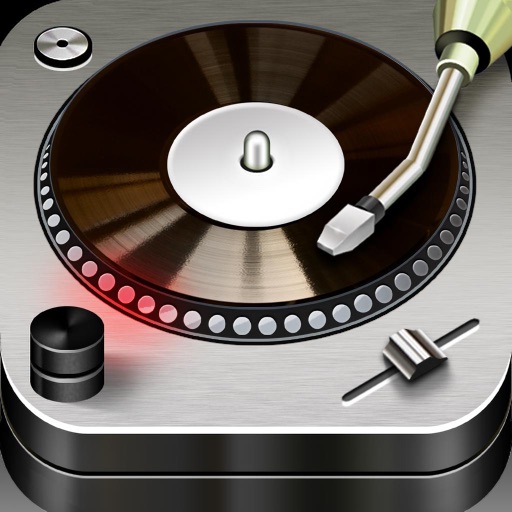
Edit and mix with FX, 3-band equalizer, and 9-pad sampler. Load tracks from iTunes or external sources. Record mixes and voiceovers. Use gyro-based scratching and set loop points. Apply skins and access a sample library.