Control for with touch gestures and three large buttons that adapt to different screens. Navigate media library, search for movies and TV shows, and play content directly. Use a big time slider to seek through videos.
Your TV remotely by connecting to the same Wi-Fi network. Scan your network to locate the TV. Browse channels, cast photos and videos, and stream music. Access multiple remotes from one device. Search for and cast favorite music.
Smart TV functions with a virtual remote, adjust volume, change channels, and manage playback. Mirror device screen to the TV for content casting. Use a virtual keyboard for text input and a touchpad for navigation.
Control TV with smartphone as a . Navigate channels, adjust volume, and manage playback. Access settings and system information. Pair directly with device for instant connectivity.
Control your computer remotely by launching applications, adjusting volume, and navigating the Mac filesystem. Customize commands for specific apps, open files, and use keyboard and mouse functions.
Control volume and manage multiple instances. Browse, search, and sort your media library. Access favorites and view live playback details. Display music covers, movie posters, and actor thumbnails.
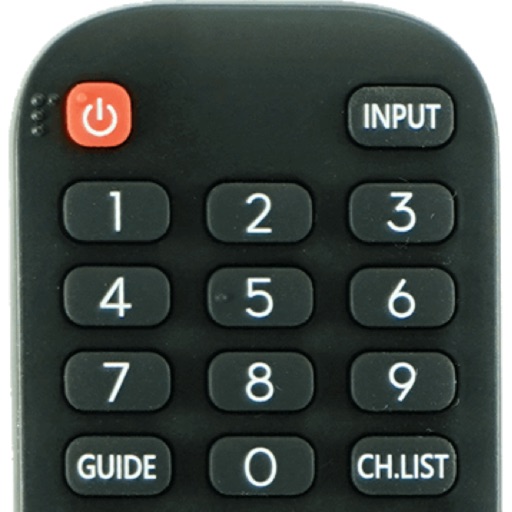
Devices with preloaded models including EN3V39H, 55H6E, and 55R6000E. Access saved profiles for quick use. Navigate with a fast touch pad and keyboard. Use a clean interface to manage device functions without installation.
TV functions such as channel switching, volume adjustment, and power settings. Access streaming services and manage playback. Customize button layouts and save preset configurations for different devices.
Turn your iPhone into a wireless mouse, , and touchpad for Mac or PC. Control cursor movement, type text, and navigate menus. Switch between devices and adjust sensitivity settings.
Control devices via Bluetooth connection. Customize preferred settings and adjust intensity levels. Add friends to share experiences. Manage device functions through the interface.
Control music and TV playback by adjusting volume, skipping songs, starting/stopping playback, and switching playlists or channels. Preview upcoming songs, view playlist history, and ban songs or artists.
Control your TV with a . Manage volume, channel, and input settings. Switch between supported brands like Samsung, LG, and Sony. Pair via WiFi and navigate using on-screen buttons. Adjust brightness and mute functions.