Create interactive puzzles, memes, and 3D toys using simple prompts. Share creations via public URLs accessible without the . Post to a community feed and engage with likes and comments.
Create and animate drawings with a variety of painting tools and brushes. Record and share artwork as videos. Use a whiteboard for tutorials and pitch recordings. Access symmetry and guides for precision. Export creations in multiple formats.
Create sketches and drawings using built-in brushes and canvases. Trace real-world images with AR technology. Save and share artwork directly. Adjust brush size and opacity for detailed work. Import images to base drawings on.
Create digital with pressure-sensitive strokes. Adjust pen pressure for varying line widths. Choose from multiple brush styles and ink colors. Save and share artwork directly. Import custom fonts and templates. Export in various file formats.
Create geometric patterns and ornamental designs with adjustable shapes and colors. Generate 3D models, kaleidocycles, Escher-style spirals, and animated GIFs. Export as videos or images. Transform and deform patterns with intuitive tools.
Create mixtures by dragging and dropping basic colors onto a canvas. Combine RGB, black, white, or other hues to form new shades. Match resulting colors to pieces displayed above the screen.
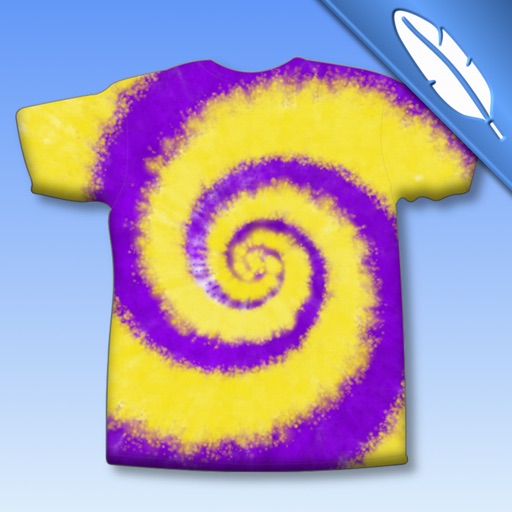
Create tie-dye designs by selecting a shirt, folding it, placing rubber bands, and applying colors. Customize with fabric paints, glitter, rhinestones, and appliqués. Try on virtual models, save designs to a photo album, and email them.
Create collages by adding photos, text, and stickers to pre-designed templates. Customize layouts, adjust colors, and apply filters. Share finished collages via social media or messaging apps.