Transforms the iPhone camera into a filter. Users can adjust shapes, colors, and patterns to create visuals. Move the device to change compositions and capture dynamic art. Share generated images directly.
Edit photos with filters, cropping, and brightness adjustments. Create collages using customizable templates. Add stickers, text, and drawings. Design storybooks with pages and layouts. Share edited content directly to social media.
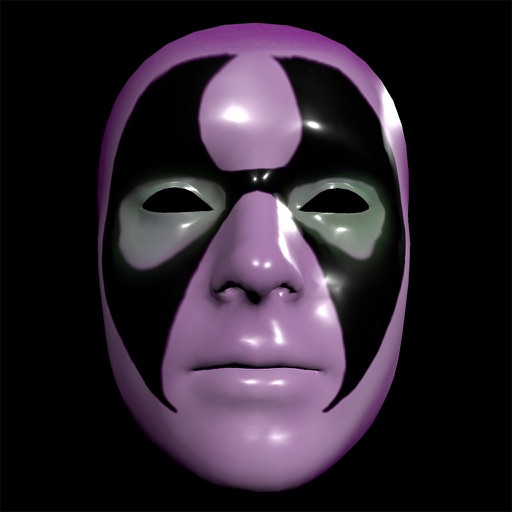
Create and apply custom masks using the iPhone X True Depth Camera for real-time mapping. Edit masks with painting tools, lighting effects, and rotation animations. Access mathematically plotted sci-fi masks.
Transform photos into cartoon, anime, painting, or fantasy styles with instant artistic effects. Upload images and apply over 100 dynamic video effects to create animated videos. Edit and share the resulting artwork or video directly.
Rotate and match shapes to create obstacle-free paths. Collect keys to unlock characters with unique abilities. Compete on a game center leaderboard to achieve high scores. Track progress and compare scores with friends.
Create digital art using AI-powered drawing tools. Explore pre-designed worlds for inspiration. Adjust settings to customize your creative environment. Save and share artwork directly.
The app provides a translucent canvas with a grid for users to practice drawing and sketching. Users can trace photos from their library, adjust size and location, and use tools like an eraser, undo/redo, zoom, rotate, pan, and flood fill.
Tap blocks to clear the screen by moving them in one direction. Plan moves carefully as shapes grow more complex. Swipe to rotate and select next moves. Customize blocks with skins and themes. Relax with challenging yet satisfying gameplay.
The app provides a drawing experience with a blank canvas or custom backgrounds. Users can draw with unlimited colors, adjust brush size, and utilize an undo button.