Create and share drawings, sketches, and doodles to express emotions and ideas. Post content directly from the . Receive and respond to feedback from other users. Suggest new features to shape the 's development.
by Moon 15 Ltd★ 4.212 ratingsSocial NetworkingFreeData updated 2026-09-26
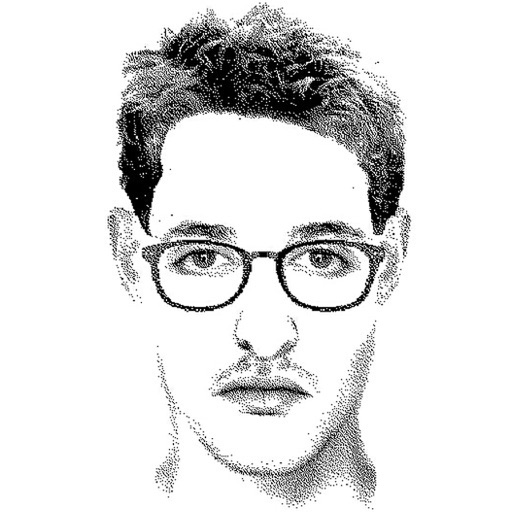
Create detailed facial sketches by customizing elements like eyes, nose, mouth, hair, and glasses. Move and resize features freely. Save, load, and export sketches as JPEG images.
Create digital artwork using drawing tools, brushes, and layers. Adjust colors, opacity, and stroke settings. Save and export drawings in various formats. Access built-in help files for guidance.
Apply effects to clips using a growing library of professionally designed options. Edit videos with trimming, splitting, and layering tools. Add text, stickers, and transitions. Export in various formats and share directly.
Create art with . Choose from nature scenes, portraits, animals, and mandalas. Customize colors, add textures, and save or share drawings. Import images for custom pages. Use layers and brushes for detailed illustrations.
Send messages with over 60 original .Pet . Choose from and static options to express emotions and reactions. Share in iMessage, WhatsApp, Messenger, and other compatible apps.
Create music using AI by inputting prompts and selecting genres or moods. Generate melodies and harmonies. Design music covers with editing tools. Export tracks in various formats and share directly.
Convert photos into pencil sketches and artistic drawings using advanced drawing tools. Apply watercolor effects and customize filters. Save and share edited images in various formats.
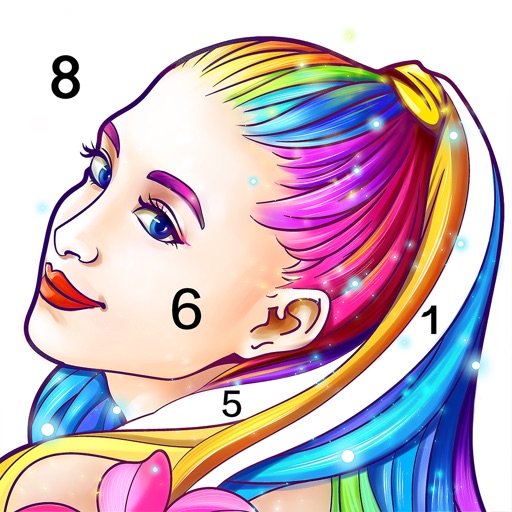
Allows users to pre-drawn images using numbered guides. Choose from themes like people, florals, animals, and mandalas. Create artwork by following -based instructions. Save and share completed designs.
Edit photos with AI-powered one-tap tools and auto-collage features. Create collages and design layouts using professional templates. Apply artsy effects to turn photos into paintings, cartoons, or sketches.
Turn photos into sketches, oil paintings, and watercolor with style transfer. Apply filters to enhance visuals. Export edited images in various formats and share directly.
Share photos, drawings, and notes directly to ' iPhone home screens. Tap posts to open the camera and send responses instantly. View updates and interact with content without opening the .
Create visual art from text descriptions using AI. Generate with customizable styles and expressions. Edit with tools for cropping, adjusting colors, and adding filters. Save and share artwork directly.
Create and customize 3D structures with color and shape options. Solve logic-based puzzles to progress through levels. Share completed builds and view others' creations. Adjust lighting and textures for detailed designs.
Convert photos into sketches using up to six different image effects. Apply filters, adjust contrast, and save or share the edited images. Export in various formats and view before-and-after comparisons.
Create digital artwork using drawing tools and customizable templates. Access categorized sketch ideas for different skill levels. Save and share drawings directly. Adjust brush settings and layer options for detailed artwork.
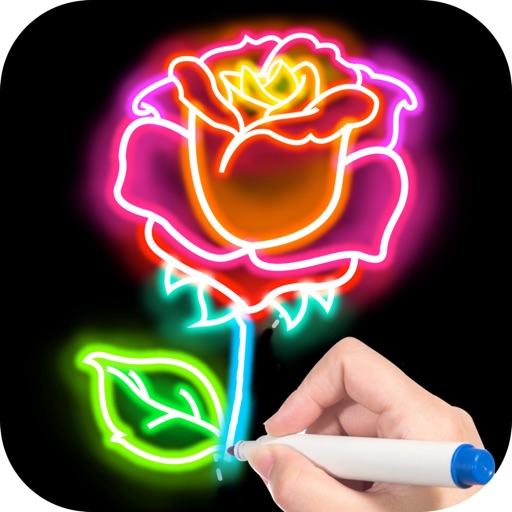
Create animated doodles by replaying the drawing process as a cartoon. Use 20+ unique paintbrushes including rainbow, neon, and flower brushes. on photos from camera or gallery. Save and view drawings in a personal gallery.
Edit videos and remix images using AI tools. Collaborate in public rooms with others. Share art, receive feedback, and interact through chat. Post creations for community recognition. Leave ratings based on experience.
Connect with others through text, voice, and video chats. Share personal stories and emotions in a supportive environment. Discover new via mutual interests and interactive prompts.