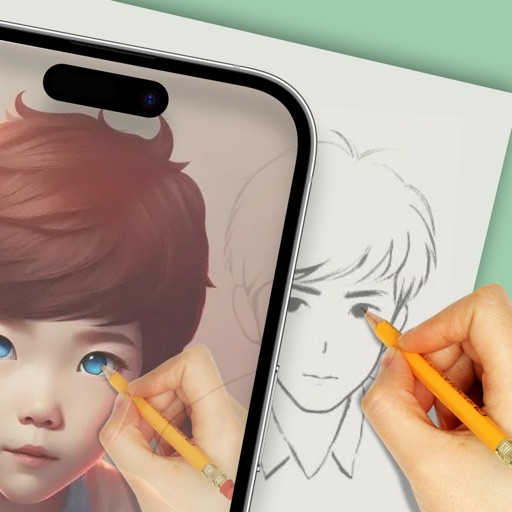
Use augmented reality to draw on any surface. Create sketches with AI-assisted tools. Select and customize NFT images from your phone gallery. Export drawings in various formats. Share artwork directly from the .
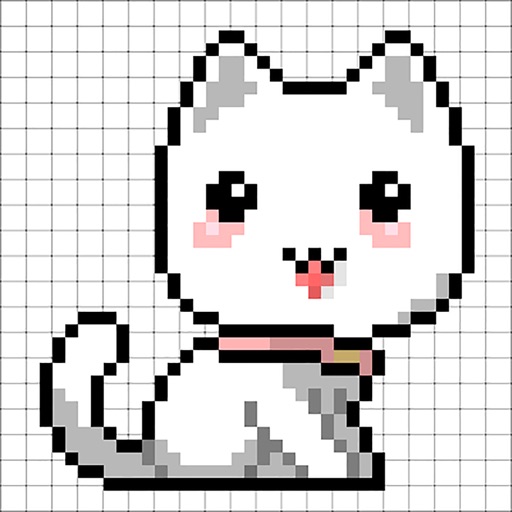
Create custom charts for crafts like cross stitch, bead weaving, knitting, and pixel art. Draw dotted images and design patterns with an intuitive touch interface. Export charts for use in projects.
Edit photos to convert them into and with adjustable contrast, brightness, and grain. Apply filters and vintage effects. Crop, rotate, and add text overlays. Save and share edited images in various formats.
Create animations using finger or Apple Pencil drawings. Access traditional tools like paint palette, auto-save, onion skin, brush, eraser, and frame controls. Duplicate, insert, and copy/paste frames. Export animations as MP4 files for sharing.
Resize images to custom sizes with pixel, millimeter, centimeter, or inch units. Maintain aspect ratio by linking width and height fields. Save, email, print, or share edited images. No ads or in- purchases.
Capture photos using customizable templates like rule of thirds and diagonals. Access composition tips to improve framing. Adjust exposure, contrast, and color balance in editing mode. Share finished images directly to social media platforms.
Edit photos by applying filters and adding effects. Choose from 11 types and adjust brush sizes for detailed application. Zoom and pan using two fingers, or draw with a single finger. Save and share edited photos directly.
The app transforms any picture into Japanese wood-block prints with hand-chiseled outlines and brushed color. Users can adjust outline properties and color palettes, choosing between Multi-Color or Multi-Block printing styles for artistic results.