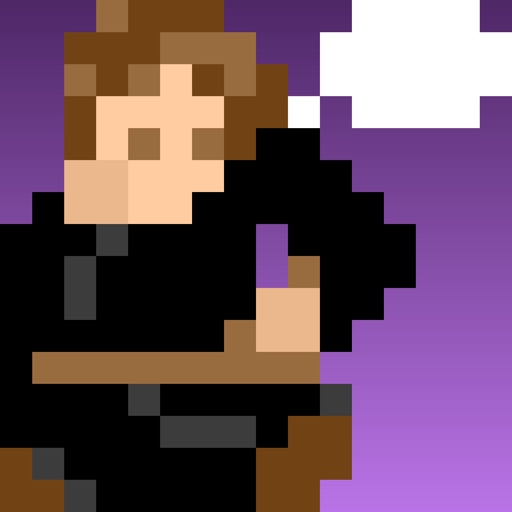
Create pixel art with bucket fill, continuous drawing, selection, move, mirror, and reference tools. Choose from multiple canvas sizes. Design NFTs, pixel avatars, and fuse bead patterns. Export artwork in various formats.
The app creates unique photo compositions by combining two images from the user's camera roll. Users can also apply filters to existing photos for new visual results.
The app offers a clean interface and clear canvas for creating pixel art. It includes features like onion skinning for game sprite creation and supports large canvases up to 4096x4096 pixels.
Upload and edit photos with options to choose format, color, and gradient colors. Add multiple images and post full-size photos to Instagram without cropping. No watermark included.
The app allows users to upload photos from their iPhone or iPad and order prints. Users can then pick up their prints from the Santa Rosa or Petaluma, California locations.
The app offers on-device photo editing with AI features like background removal and auto-enhancement. It includes over 38 filters, stickers, text editing, and export options for HEIC, JPEG, or PNG formats.