

Apps Like Artcomframe for iPhone and iPad
Artcomframe screenshots
Ranked alternatives
Showing 201–220 of 1,000 ranked alternatives.

Easy Photo Compressor: Resize
Osawa Shunsuke
Resize and compress photos quickly
Resize and compress photos with batch processing support. Convert between JPEG, HEIC, PNG, WebP, TIFF, and AVIF formats. Remove location data and EXIF information. Adjust image quality and resolution.


MIX2 Portrait Master
PinGuo Technology (HK) Co., Limited
Edit portraits with AI skin retouching
Edit portraits with advanced skin retouching tools. Adjust 13 skin parameters for smooth, glowing results. Remove eye bags, crow's feet, and oils with one tap. Eliminate blemishes, freckles, and acne at the pixel level.



Finger Paint (Ape Apps)
Brandon Stecklein
Create art with many colors.
The app provides a blank canvas and over 40 colors for finger painting. Users can select pen sizes, use a flood fill tool, or clear the canvas.


Real Bokeh
Dongwook Cho
Edit photos with and light leaks
Create photos with effects and light leaks. Apply 36 shapes and 33 light leak effects. Use 23 image filters. Adjust size, opacity, and color. Draw multiple shapes with touch. Apply multiple shapes to one photo.
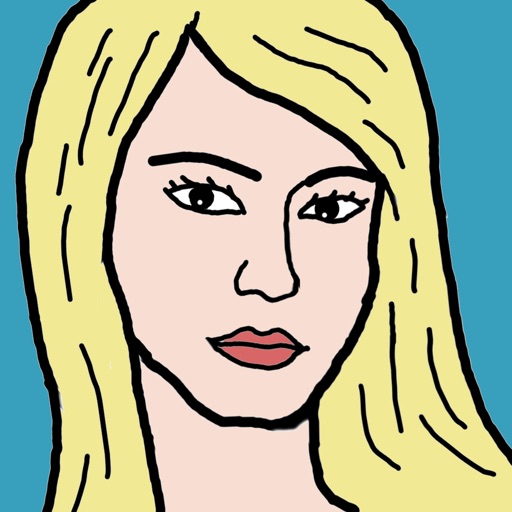
Draw Me!!
Voxeloid Kft.
Portraits, share selfies, view art
Take a selfie and submit it for others to portraits. Browse community artwork including masterpieces, doodles, and caricatures. Use GPU-accelerated tools with various brushes for drawing.

Pixaki 4 Pro
Rizer Creative Ltd
Paint with pixels and create art
Create pixel art with automatic double pixel removal for precise line art. Use round, square, and matrix dither brushes. Draw lines locked to isometric angles. Create rectangles and ellipses. Manage layers for animated projects.

iPhotoCanvas
Blanc photo and fine art media inc.
Transform photos into canvas art.
The app transforms user photos into canvas art. Users can upload images from various sources and print them in sizes ranging from 6"x8" to 30"x40".

Drawing Desk - Draw on Paper
惠满 贺
And edit with custom tools and colors
Create and edit drawings using various tools like Pen, Line, Arrow, Rect (Stroke/Fill), Ellipse (Stroke/Fill), Eraser, and Text. Choose from multiple colors including Black, Red, Green, Blue, Yellow, and more. Save or share drawings directly.

How we rank alternatives
Apps are ranked by functional similarity, category fit, rating confidence, and popularity.