Create music arrangements by sequencing pattern changes across synthesizers, drum machines, and sequencers. Control multiple tracks with unlimited steps per track. Assign individual channels and CC numbers.
Create and play ambient , soundscapes, and textured drones on-device. Generate melodies and arpeggios from text. Export MIDI files. Use free Lite mode or upgrade to Pro for advanced features. Sync with other apps.
Create and customize sounds and drum loops. Adjust pitch, tempo, and effects. Layer drones with drum patterns. Export tracks in multiple formats and share directly.
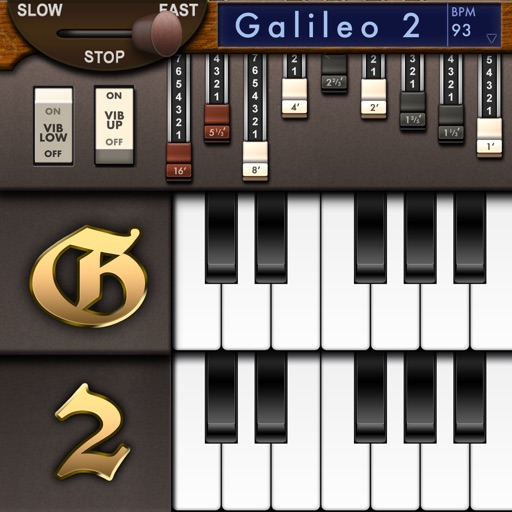
Create and customize sounds with 17 different types. Configure three manuals independently. Use scanner vibrato and chorus effects. Simulate rotary cabinets and tube amplifiers. Access AUv3 plugin for integration.
Create and layer sounds using up to four independent synthesizers. Each layer includes three VCOs, a sample or wavetable source, and recording capabilities. Set up to 16 voices per layer.
Create and customize virtual synths with a wide range of sounds, from analog to modern digital styles. Adjust parameters like filters, envelopes, and modulation. Export audio files and integrate with music production software.
Create and mix music using modular devices like samplers, mixers, and effects. Add sequencers and effects plugins. Customize setups with expandable gear. Import and export audio files. Connect to external hardware and software.
Create music with 7 Cubes offering customizable session settings. Use an interactive loop-machine for rhythmic patterns. Access 7 instruments with sequenced note input and effects.