Create art by clicking to fill in numbered sections. Choose from various models and themes. Adjust colors to complete each image. Save and share finished artworks. Relax and focus through interactive coloring.
by Beijing Bojian Culture Media Co., Ltd.★ 4.5104 ratingsEntertainmentFreeData updated 2026-09-06
And create art with a variety of pre-designed images including mandalas, animals, and flowers. Build a garden, earn rewards, and access daily updated coloring pages. Share finished artwork and customize palettes.
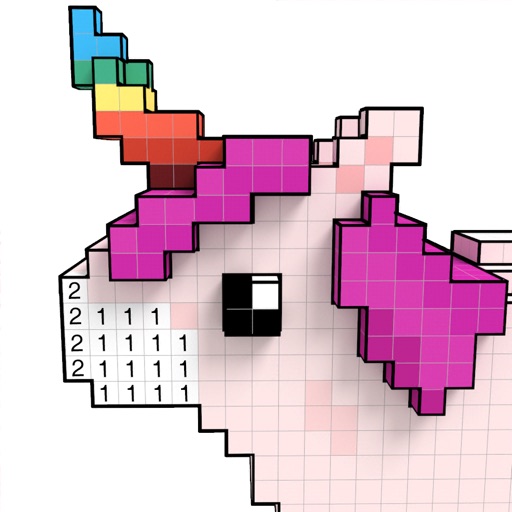
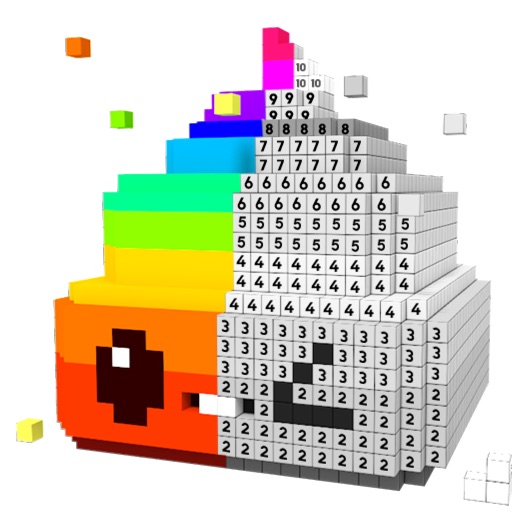
Create 3D pixel art by coloring blocks according to numbered guides. Rotate and move 3D models to view all sides. Save and share completed artworks on social media platforms.
Build and explore 3D pixel worlds. Mine resources, create farms, and construct structures from houses to cities. Craft weapons and tools. Fight monsters at night. Design and share custom maps.
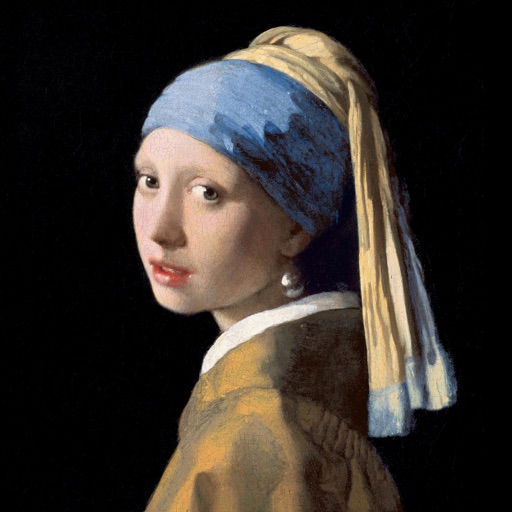
Color the art versions of famous paintings. Choose from a weekly updated collection of artworks. Remove ads and unlock unlimited through the Amuse Museum Club. Save and share completed drawings.
By number images allow users to select and fill in numbered sections with colors. Import personal images to create custom puzzles. Share completed artwork with a community. Track progress and view completed artworks.
Create 3D models by coloring numbered blocks. Rotate, scale, and zoom to adjust your model. Paint highlighted boxes with selected colors. Save and share completed designs.
Create and customize art drawings with a variety of colors and tools. Select from pre-designed templates or draw freely. Save and share finished artwork. Collaborate with others in real-time. Learn basic drawing techniques through guided activities.
Color and relax with art pages and custom photos. Use paint bucket and tooltip tools for efficient coloring. Share time-lapse creations with friends. View a wide variety of images to color. Import personal photos from camera or library.
Create and customize digital coloring pages with numbered guides. Select from floral, mandala, and animal designs. Paint using touch or stylus input. Generate time-lapse videos of completed artwork. Save and share finished projects.
Play party games with voice interaction and real-time competition. Choose from games like Who's the Spy and Space Werewolf. Use Mic Grab to compete with music. Chat and react during gameplay. Share results and replay matches.
Color by number to fill 2D and 3D pixel art. Switch between 2D and 3D modes. Create moving 3D images or static 2D artwork. Save and share completed designs. Adjust color palettes and zoom in for detailed work.
By allows users to art by numbers in solo or multiplayer modes. Players can join online collectives to create shared artworks. Features include collecting stars, viewing leaderboards, and tracking colored pixels.
Create custom art by taking a selfie or photo. Select and pixels based on numbers. Share finished artwork on social media. Use magic wand tool for quick coloring. offline without internet connection.
Create 3D artwork by coloring voxel-based characters using numbered guides. Select from various 3D coloring pages. Customize colors and save completed designs. Share creations with others.