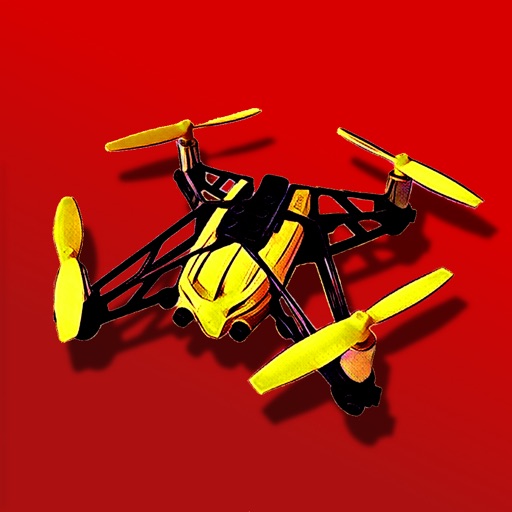
Control aircraft flight with gravity, rocker, trajectory, and headless modes. Capture photos and videos with voice, gesture, or VR controls. Apply filters and view real-time camera feed on the mobile device.
by 军年 陈★ 3.326 ratingsUtilitiesFreeData updated 2026-09-26
Track aircraft using real-time data from multiple air traffic sources. Display flight paths, altitudes, and speeds. Customize map views and set up alerts for specific aircraft. Connect to dump1090, tar1090, or Virtual Radar Server.
Control a four-axis aircraft using WiFi. View real-time video feed from the aircraft's camera. Capture photos and record videos on iPhone, iPad, or iPod.
Control the PHANTOM 2 drone via mobile device. Adjust camera settings, manage flight paths, and monitor battery life. View real-time video feed and trigger automated shots. Access flight data and system diagnostics.
Control a Parrot Minidrone with on-screen speed settings for adjusting flight behavior. Enable banked turns for automatic rolling during yaw movements. Activate headless mode for simplified flight orientation.
The app allows users to record audio and take notes simultaneously. Notes are automatically time-tagged to align with the audio track, and the app offers organization by date, category, speaker, or location.
Calculate groundspeed, true heading, compass heading, leg time, distance, fuel required, fuel flow, and endurance for flight planning. Convert airspeed, altitude, and temperature.
Record and facecam simultaneously with audio. Capture mobile games and apps. Start live streaming or record high-quality video. Quick access to camera for reaction shots. Share recorded content directly.
The app provides telephony services on any device. It offers chat with synced messages, voicemail control with transcriptions, and real-time presence for business contacts.
Offers manual camera controls for iPhone and iPad. Users can adjust exposure, focus, and white balance. Capture photos in ProRAW and ProRes formats. Record videos with advanced settings. Access DSLR-like features for precise image adjustment.
Manage checklists, navigate flight data, and control aircraft systems via voice commands. Access weather, fuel, and flight plan information. Set reminders and receive alerts. Sync with flight instruments and log flight details.
Control your Mac or PC with an iPhone, , or iPod. Use simulated touchpad and keyboard functions. Access panels for media playback, file transfers, and presentation controls.
Transmit and control drones via Wi-Fi. Take photos and videos remotely. Adjust drone movement in real time. View live feed and manage flight settings. Save media files directly to device.
Remote control hardware devices with a mobile . Set automatic network timing and customize alarm settings including mode, duration, and working days. Adjust snooze settings and configure sleeping mode.
Scan QR and codes including Wi-Fi, text, contact, and URLs. Connect to Wi-Fi instantly. Search scanned products online. Create and customize QR codes with text, websites, and contacts. Save high-resolution QR images.
Create and share short videos as animated GIFs or MP4. Capture frames with the or import photos, videos, or live photos. Apply real-time color filters, add text or frames, and record stop motion.
Record video using front and back cameras simultaneously on iPhone XS and newer models. Capture footage with selfie and frontal view. Share videos publicly. Switch between front and back modes. Use flash light for both cameras.
Corrects color distortion caused by actinic LED lighting in aquariums. Adjusts colors in real-time during photo capture. Allows manual fine-tuning of color balance and brightness. Saves and shares corrected images directly.
Display full- digital time with seconds on dynamic island and . Choose from various digital font styles and customize colors. Show date and week information. Set hourly chimes and voice time announcements.