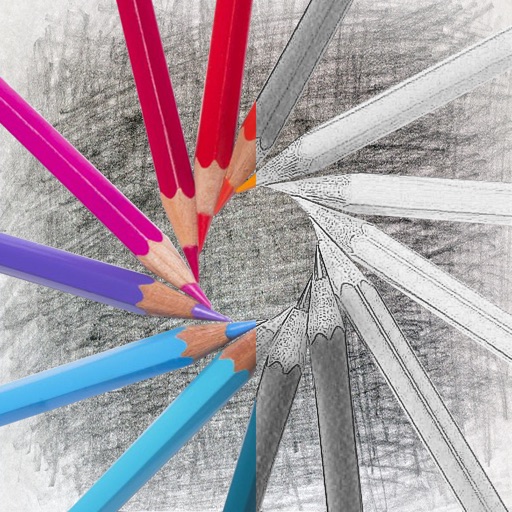
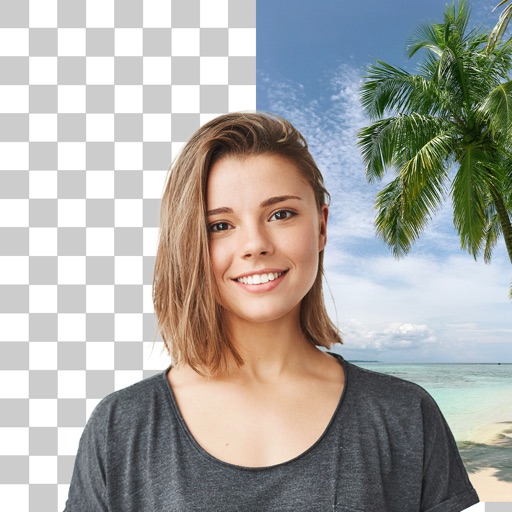
Convert photos into sketches with tone drawing engine. Adjust pen color, size, and background. Generate strokes with transparent backgrounds. Save sketches in original size and colorize with original colors.
Merge photos into artistic compositions by selectively editing and combining image elements. Remove or re-add parts using finger painting techniques. Adjust brush settings for precise control.
Create collages by combining photos, adding stickers, and applying effects. Choose from multiple layouts and templates. Edit images with cropping and filters. Share finished collages directly to social media.
The app provides tools for drawing, coloring, and editing pictures. Users can create simple pictures, add text, or modify existing images with various shapes and editing functions.
The app offers live-calculated brushes and strokes that interact with a generated canvas texture. Users can adjust parameters like color and size while painting, and stroke size changes based on fingertip contact with the screen.
Edit photos with cropping, filters, and adjustments. Remove unwanted objects or people using the Magic tool. Replace backgrounds to create montages. Create collages with pre-designed templates. Export edited photos in multiple formats.
Annotate photos with text, drawings, and hand-drawn elements. Add watermarks and autographs. Create and share Photocards. Incorporate internet memes. Edit and enhance images for personal or professional use.
Edit photos with 25 tools and effects. Adjust brightness, contrast, and saturation. Save progress and undo changes. Share edited photos to social networks. Preserve EXIF data and edit geo-location. Export high-resolution images up to 3000x3000.
Create movies by combining videos, photos, music, text, recordings, and finger drawings. Add transitions, effects, and captions. Export and share finished projects directly.
Edit photos with filters, effects, and backgrounds. Create collages and layouts with ready-made designs. Crop and mirror images for social media. Add text and frames. Share edited photos directly to WhatsApp and Instagram.
Edit photos with , , and AI cutout tools. Apply neon, glitch, and overlay . Add doodles, artistic text, and fun stickers. Share edited photos directly to Instagram, WhatsApp, Facebook, and Messenger.
Edit images with brightness, contrast, and other adjustment tools. Import photos and place them in customizable Story templates. Create gradients and use the dropper tool to match colors. Share edited content directly to Instagram .
Create gallery-style portraits from images using automatic painting tools. Add color, light, and texture for realistic effects. Choose between classic-style brushes or modern-colored options. Save and share finished artworks.
The app provides layer support, selections, and masks for photo editing. Users can export projects with layers preserved and access various tools and filters.